 R7 Orbit

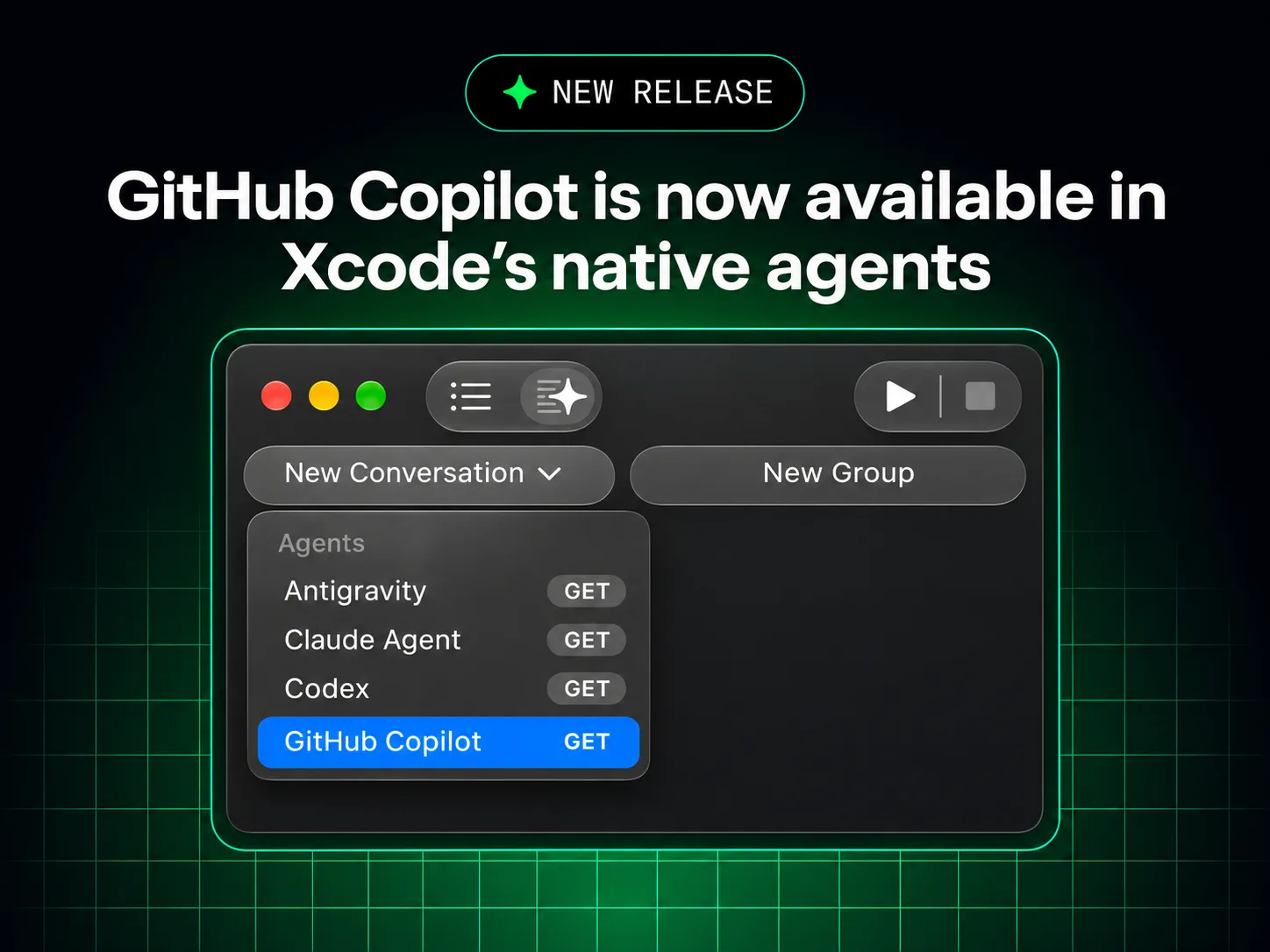
GitHub added Copilot to two more coding tools this week: JetBrains Air on Nov 3, 2026 (GitHub Changelog) and Xcode’s built-in coding assistant on Nov 4 (GitHub Changelog).
Note. In Xcode, Copilot is a public preview that needs Xcode 27.3 beta on a Mac running macOS Tahoe 26.6 or later. GitHub says all Copilot plans are supported (GitHub Changelog).
What happened
Xcode. Copilot now works directly inside Xcode’s own coding assistant, set up under Xcode > Settings > Intelligence. The existing GitHub Copilot for Xcode extension stays available as a separate option (GitHub Changelog).
JetBrains Air. Copilot appears in Air’s agent picker, where it can be handed coding tasks that run in a JetBrains IDE or in the cloud. The changelog lists (GitHub Changelog):
- tracking several agent sessions at once and reviewing changes next to the code;
- cloud tasks in isolated environments through Air Teams, from the IDE or a browser;
- tasks billed to the Copilot plan rather than to JetBrains AI credits.
The integration uses the Agent Client Protocol (ACP). Cloud tasks need a JetBrains account in a business organization with Air Teams, a Copilot subscription, and Copilot switched on by the Air administrator.
Why it matters
People who already have Copilot can use it in both tools: Xcode supports every Copilot plan, and in Air tasks run on the Copilot plan instead of JetBrains AI credits (Xcode entry, Air entry).
There are limits in Air: administrators can turn Copilot off but cannot set Copilot spending limits there, and Air’s analytics do not include Copilot usage. The Air entry does not say whether the integration is a preview or generally available (GitHub Changelog).