 R7 Orbit
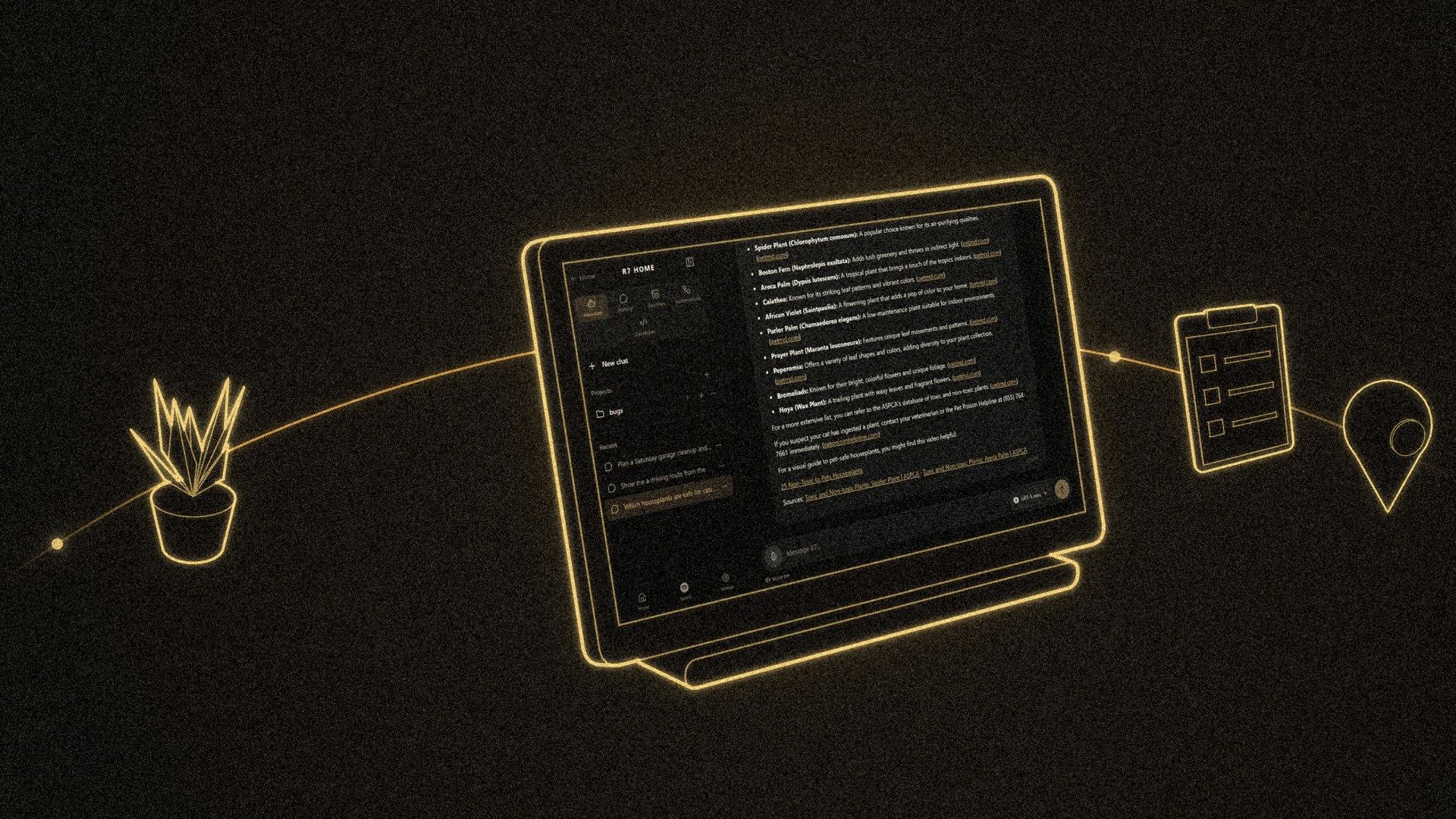

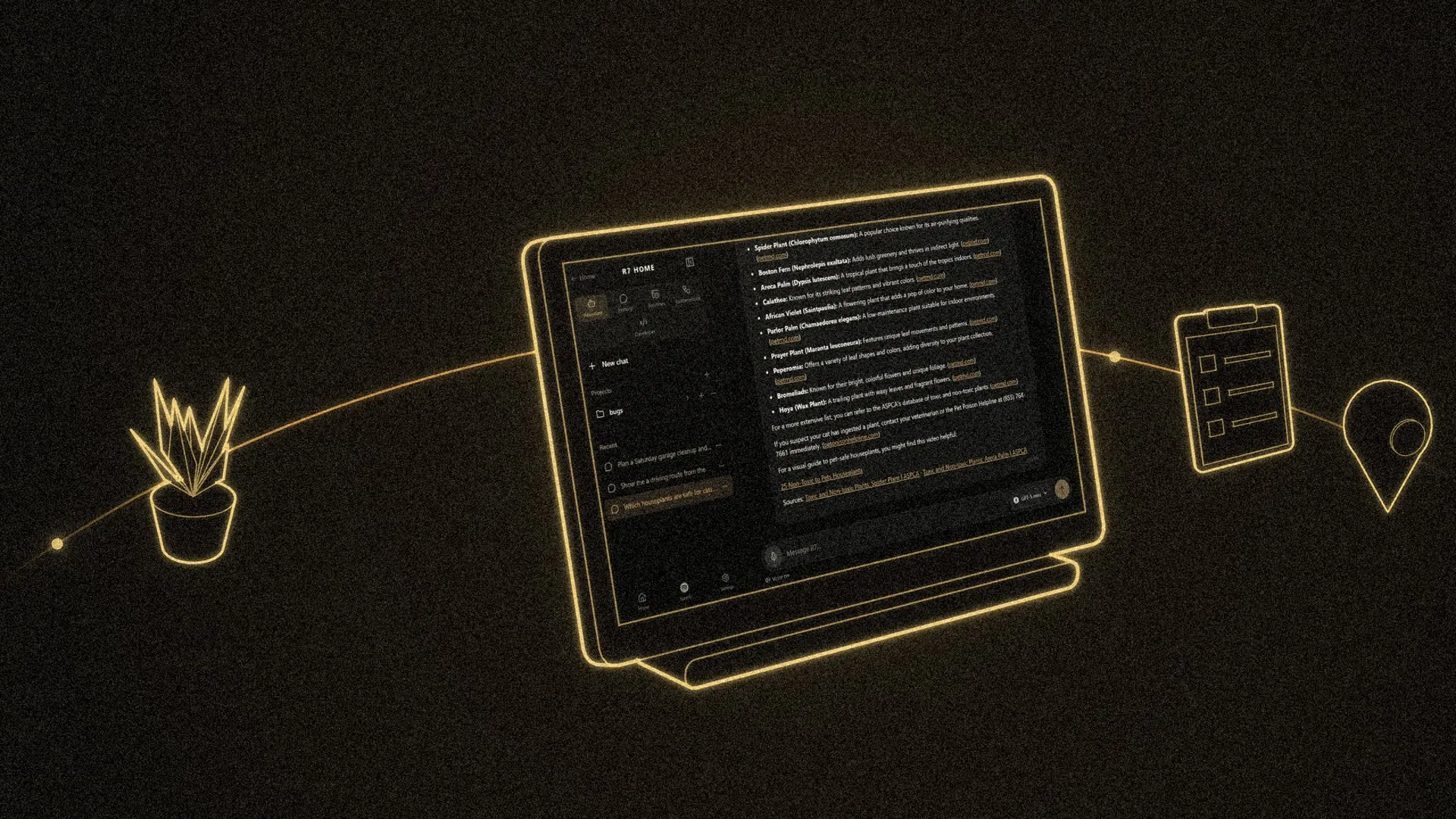
Turning on lights is the easy part. The R7 page in R7 Home is a full assistant: it answers questions with sources, writes plans you can print, remembers what you tell it, finds places and routes, checks on the house on a schedule, and can even reach Hunter’s PC. Many of these work by voice too, starting with “Hey R7.”
 1:10
Ask anything
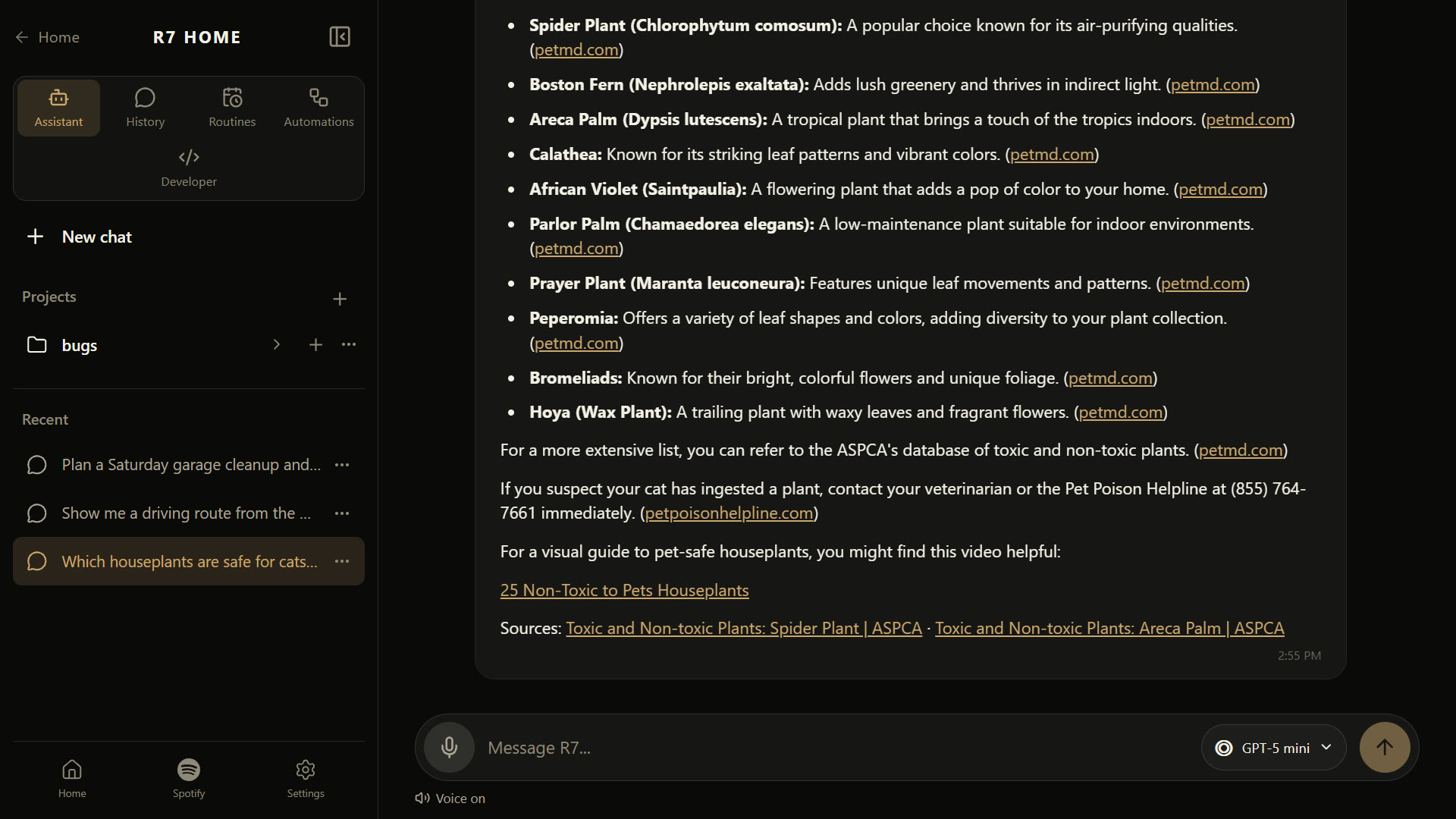
The chat works like the AI chat apps you may know, built into the house. You can ask about the home, think through an idea, or ask a general question. When the answer depends on facts that change, R7 searches the web and links its sources.
A menu next to the message box picks which OpenAI GPT model answers, and each one is tagged Quick, Balanced or Deep. Quick is for a fast answer, and Deep is for a hard question that’s worth the wait.
Chats can be pinned or grouped into projects, which work like folders, so a long-running topic keeps its chats together.
From idea to plan
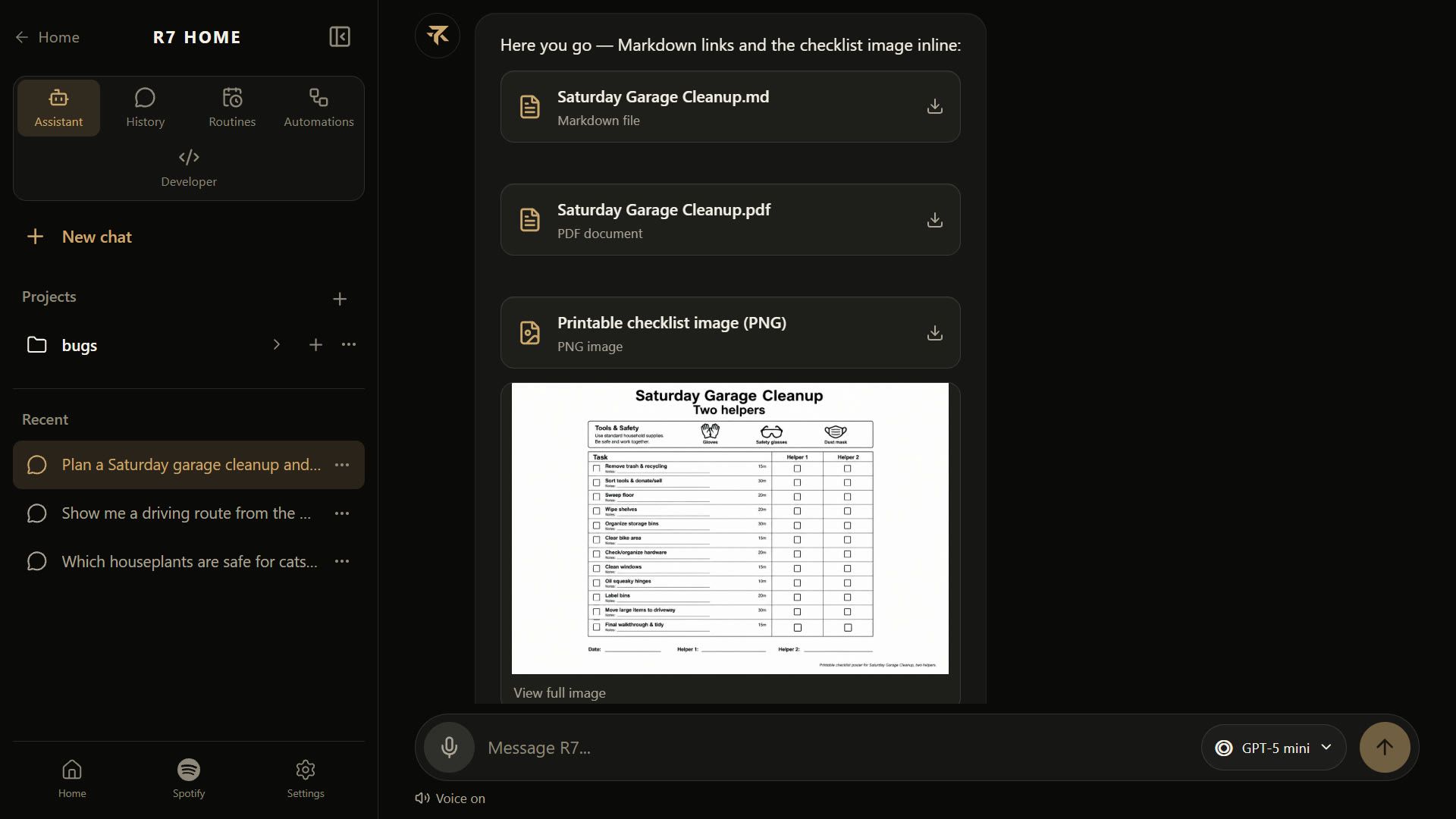
Ask R7 to make a plan, and it writes one as a proper document with a goal, the approach, the steps in order, the risks and what “done” looks like. It saves the plan as both a text file and a PDF, and shows them as cards in the chat. Ask for a picture as well, and it draws one, such as a printable checklist poster, and adds it to the PDF.
R7 only makes a plan when you ask for one. Thinking out loud stays a conversation.
Thoughts: R7’s memory
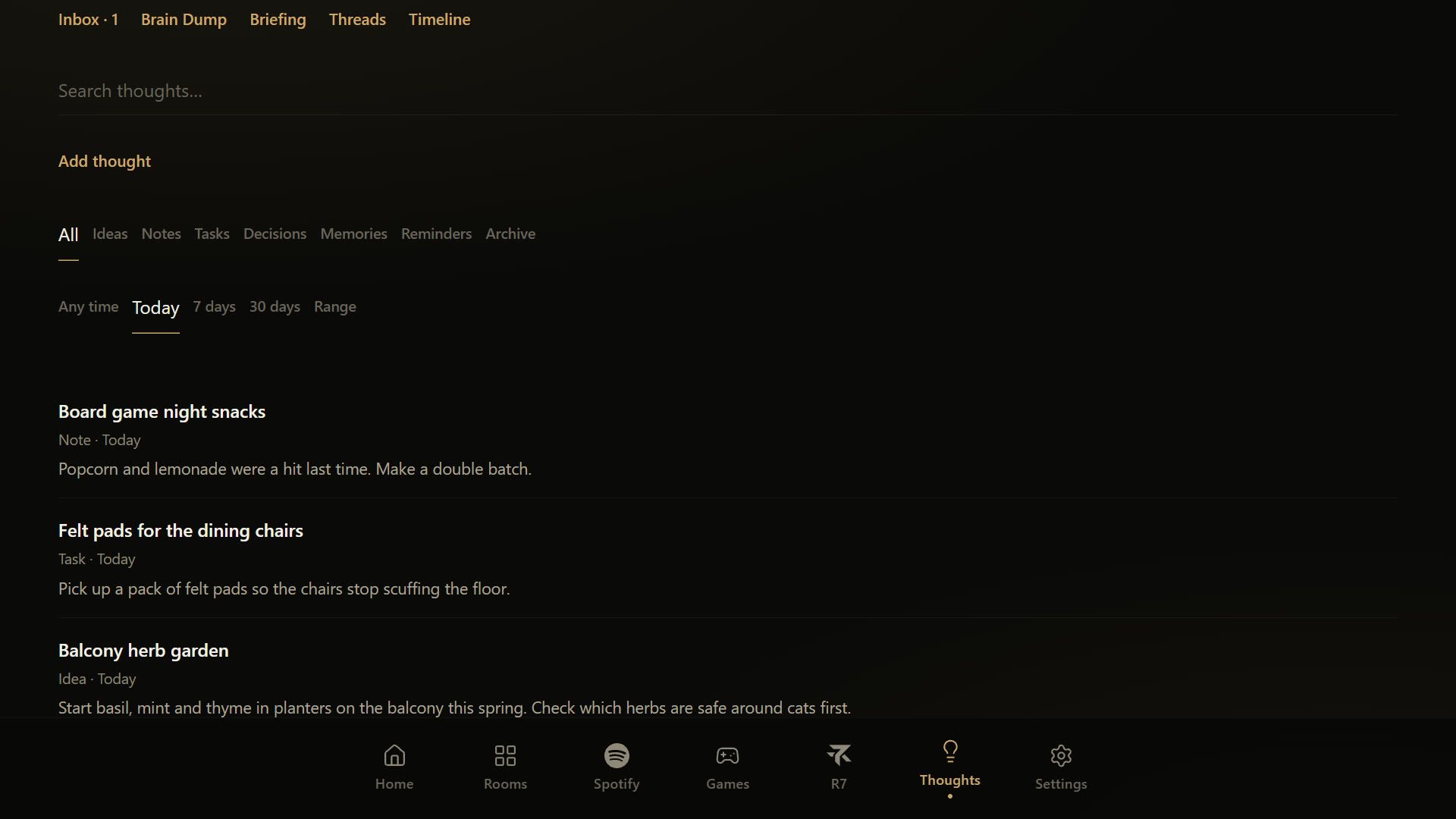
Thoughts is where R7 keeps what you ask it to remember: ideas, tasks, things to buy, decisions. Most of it was built in one stretch, Aug 27 to 31, 2026.
- Brain dump. Say several things at once, and R7 splits them into separate Thoughts for you to review.
- Threads. Group related Thoughts into a collection you build yourself.
- Briefings. A morning, evening or weekly summary of what’s on your plate.
- Resurfacing. Old Thoughts come back when they matter, and you can snooze, dismiss or mark them handled.
You can ask R7 about your Thoughts by voice too, and it answers from what’s saved.
Places and routes
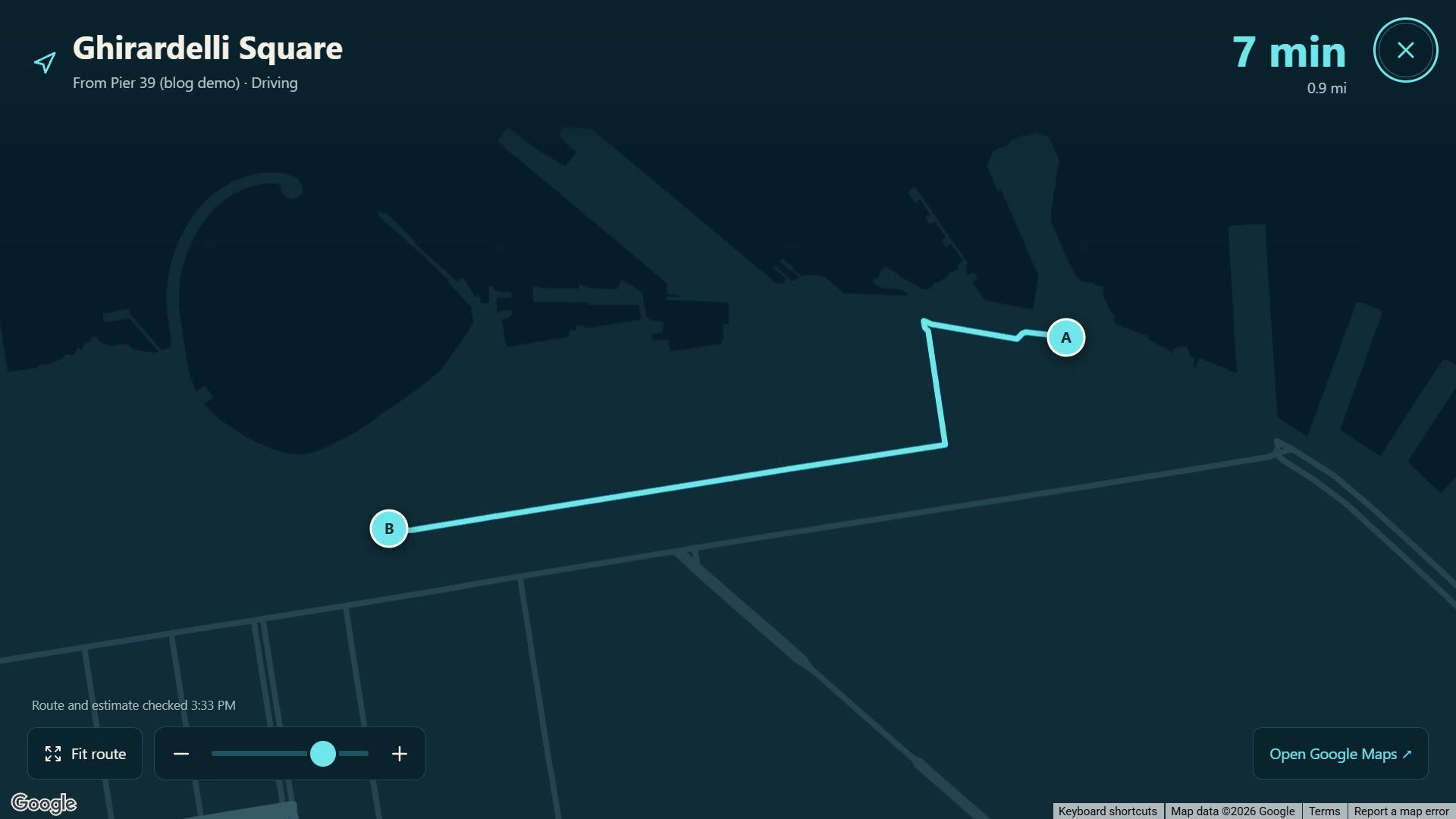
Ask R7 for a coffee shop nearby, what’s on a restaurant’s menu, or how long it takes to get somewhere, and it looks it up with Google Maps. You can save places with nicknames, like home or work, and ask for routes by car, on foot, by bike or by transit. The answers appear on a full-screen map you move around with one finger.
Every route time comes from a fresh lookup, never from memory. A daily limit on lookups keeps the bill in check.
R7 on a schedule
Routines are jobs R7 runs by itself at set times. Each has a name, an instruction and a schedule, and R7 comes with three to start from:
- Morning briefing on weekday mornings.
- Evening home check every evening: which lights are on, what’s pending, and anything that needs attention.
- Weekly thoughts review on Sunday mornings.
Routines only report. They look at the house without changing anything, and their results land in R7’s inbox.
Receipts, not guesses
R7 only reports what really happened. It doesn’t say “done” until the action it ran comes back successful, and it won’t say it saved something unless there’s a saved copy to show for it. If an AI reply offers something R7 can’t do, R7 catches it before you hear it: an offer to send a text becomes “I can’t send texts or make phone calls from R7.”
Conversations are saved as text, never audio. The History page lets you search them, pin or rename them, download one, turn it into a Thought or a plan, or carry it on privately in a browser. That private chat stays out of the household’s shared voice history.
Reaching the PC
R7 can also use Hunter’s Windows PC through a small companion app running on it. From R7 he can check that the PC is online, open an app or a website, start a game from his game library, or find a file by name in folders he has allowed. The PC checks every request again on its own end, so R7 can’t run anything it hasn’t been allowed to.
Agents inside R7
R7 also has a Developer page for Claude and Codex, the same AI coding agents that build R7 Home. From the kiosk, Hunter can ask either one a question about the code or have it draft a plan. When he asks for a change, the agent works in a separate copy of the code that he reviews before anything is applied. He can also run both agents on the same task and compare their answers. The page lives on the Pi, while the agents themselves run on Hunter’s Windows PC. It’s still an early version.