 R7 Orbit
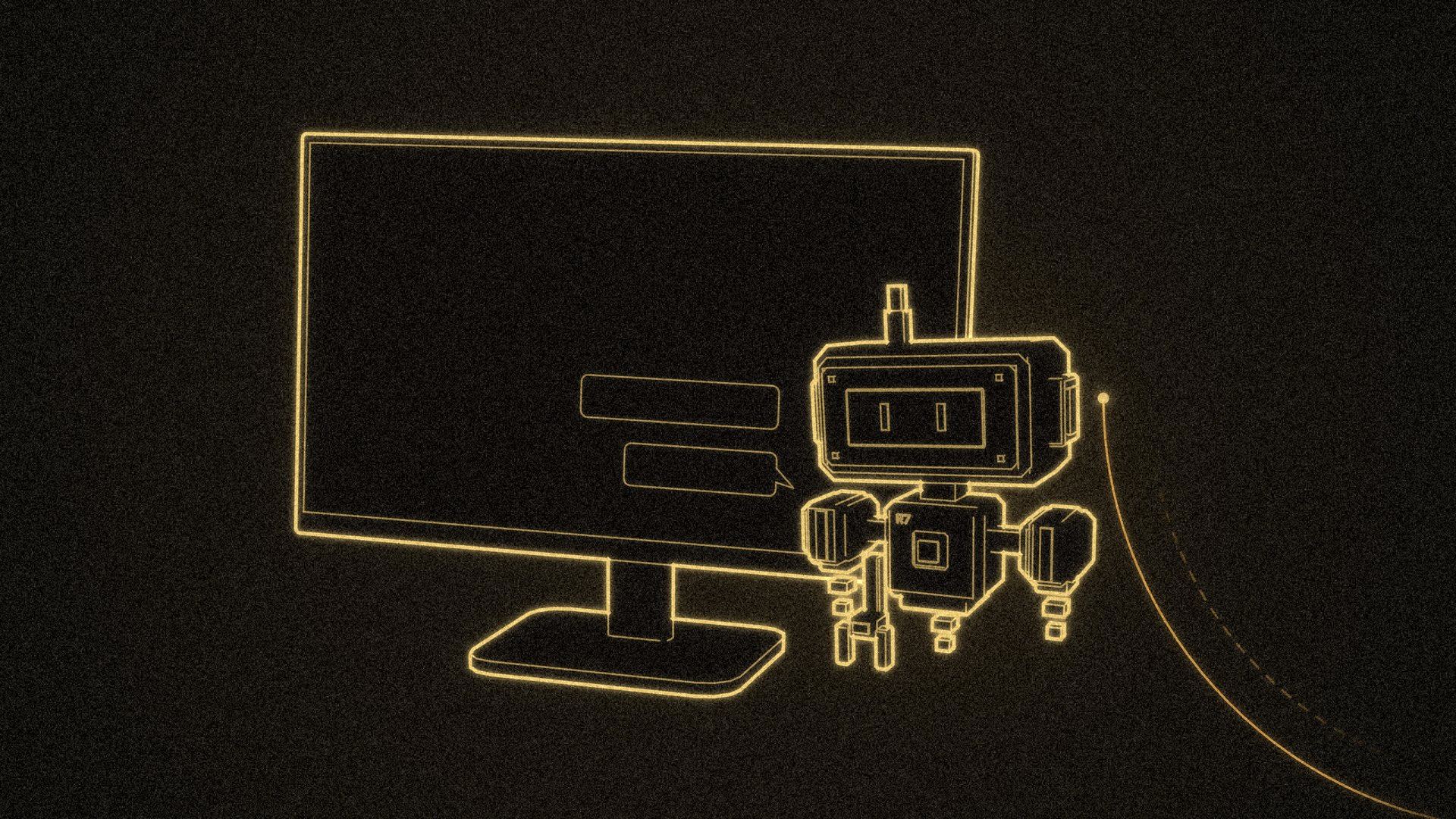
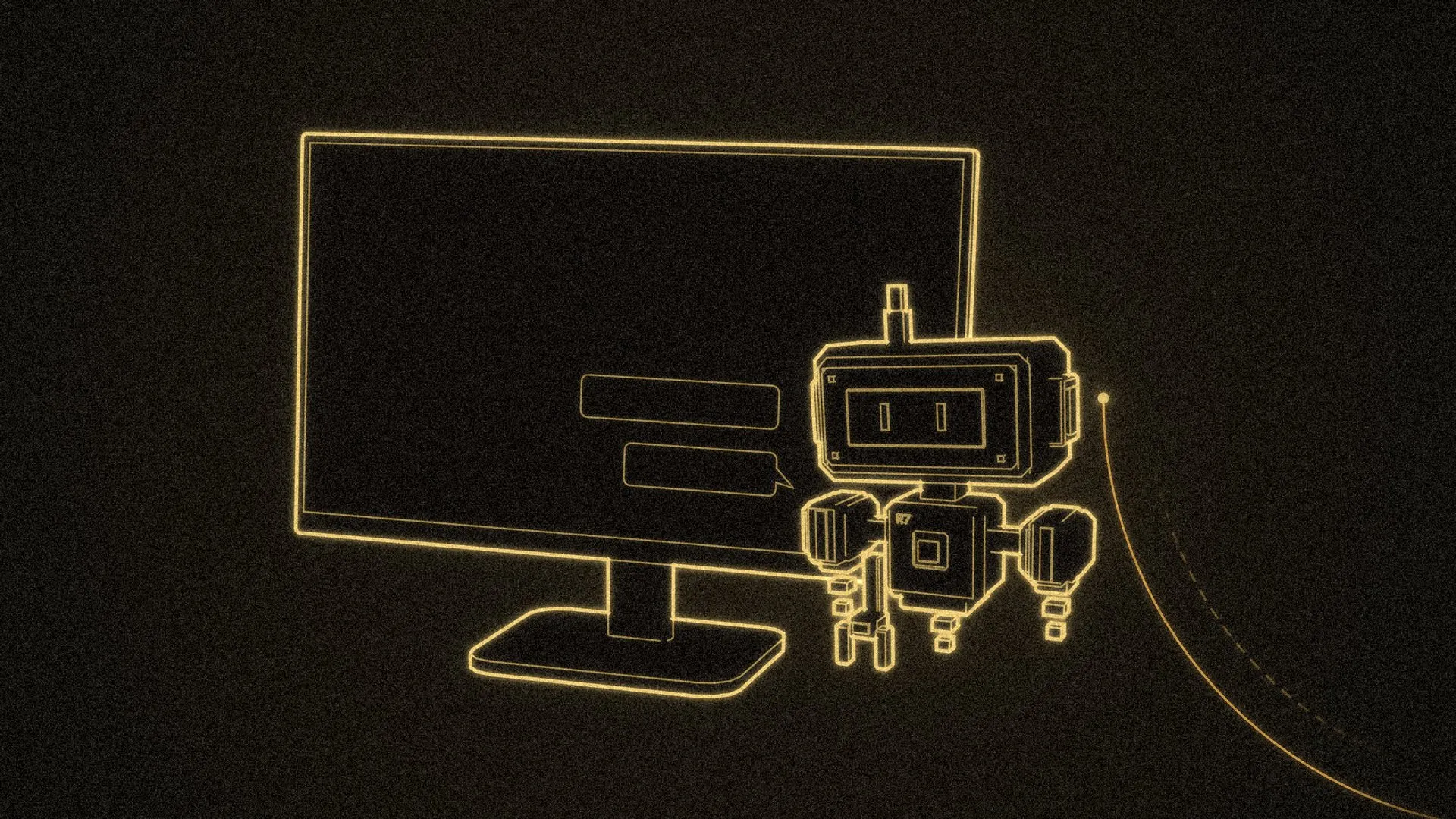
R7 Home used to live on one small touchscreen. Since November 14, 2026, it also lives on Hunter’s office PC. He can say “Hey R7” at his desk, and R7 knows the request came from the office. A little hologram R7 pops up in a corner of his monitor, with captions for what he said and what R7 is doing. Claude built the new parts in one afternoon and put them live in small steps between about 1:30 and 5:15 PM, with Hunter testing from his desk.
Where it started
The PC companion is a small Windows program that has run on Hunter’s PC since the end of September. As the assistant post covered, it lets R7 do a short list of things there: open an app or a website, start a game from his library, or find a file and open it. The PC checks every request on its own end, and it won’t touch the screen while Windows is locked.
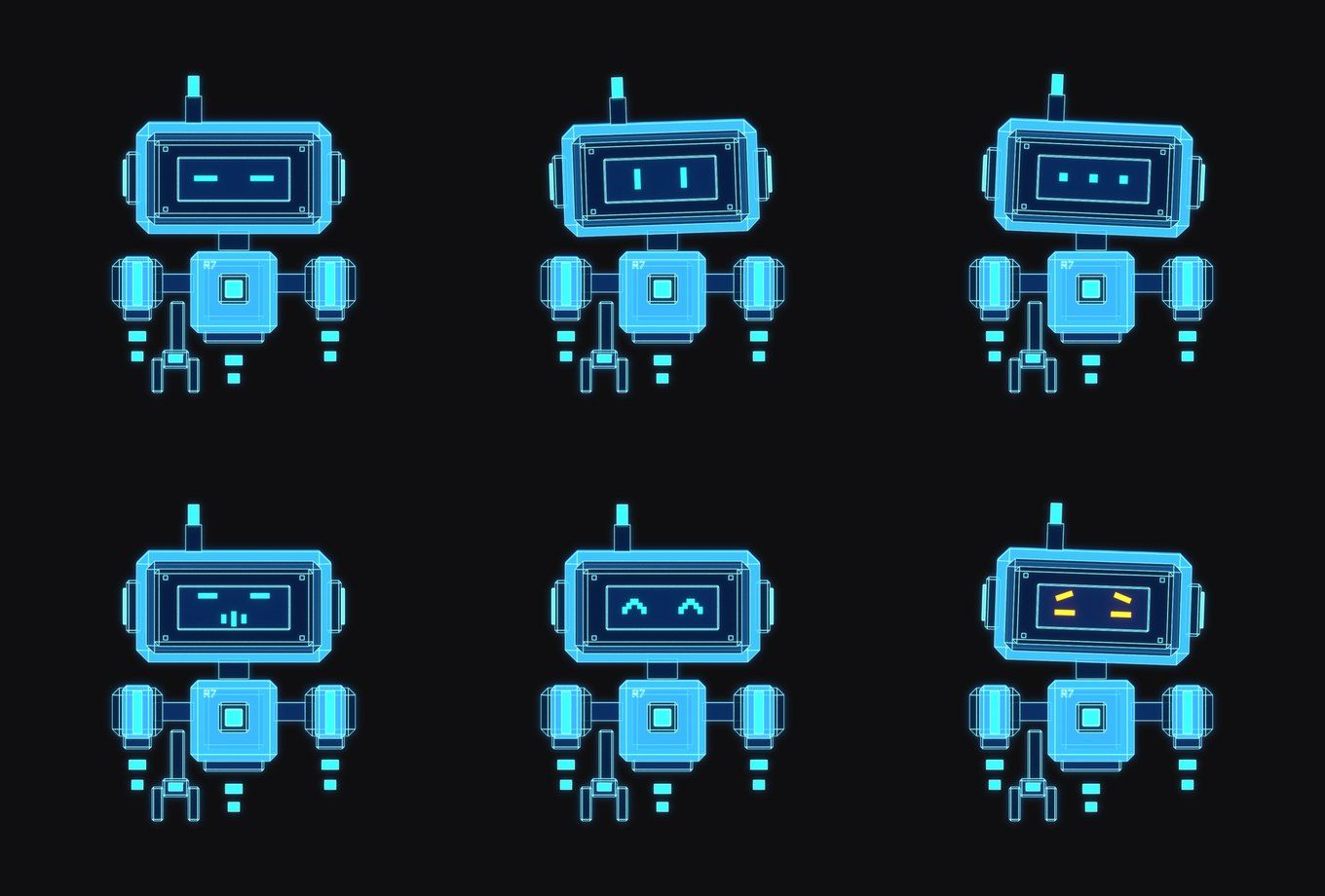
In early October it got the little robot: six poses of a hologram R7, rendered in Blender, a free 3D app. Until November 14, R7 only appeared on the monitor while it was doing something on the PC. Now it also shows up whenever Hunter talks to it.
A second microphone
Until now, the only way to talk to R7 was the microphone on the touchscreen. The companion now runs the same wake-word listener on the PC, using the PC’s own microphone and speakers. A wake-word listener waits for one phrase, “Hey R7,” and only then starts recording what comes next. It reaches R7 Home through the companion’s private connection, an SSH tunnel (an encrypted link between the PC and the Raspberry Pi that runs R7 Home), and R7’s replies play on the PC’s speakers.
Each microphone has its own on/off switch. If Hunter says “stop listening” to the PC, only the PC goes quiet, and the touchscreen keeps listening.
The first real test didn’t go well. The PC heard “Hey R7” every time, then never heard the question that followed. After the wake word, the listener waits for speech louder than a set level, and that level was tuned for the touchscreen’s microphone, which boosts quiet voices. The audio interface on Hunter’s desk doesn’t, so his voice stayed under the bar. Claude lowered the bar for the PC and added a short chime when R7 wakes, so Hunter knows when to start talking.
R7 knows the room
Everything the PC hears is tagged as coming from the Office. That changes what R7 does with vague requests:
- “Are the lights on in here?” checks the six office lights.
- “Which room am I in?” gets “Office.”
- “Turn on the lights,” with no room named, means the office.
Requests heard by the touchscreen work the same as before.
Hunter also asked R7 to stop saying “done” every time it changes the office lights, since he can see the lights change. Now, when a light or scene change heard in the office works, R7 shows it as a caption and stays quiet. If something fails, or the request asks a question or mixes lights with something else, R7 still answers out loud. It’s an option for each room, so every other room still hears the confirmation.
The robot on the monitor
The little R7 floats in a bottom corner of the screen with a soft blue glow and no window around it. It never takes focus or catches clicks, so it doesn’t get in the way of whatever Hunter is doing. In Arrange mode he can drag it toward any corner, and it snaps there.
Its pose follows the conversation, and the caption beside it says what’s going on:
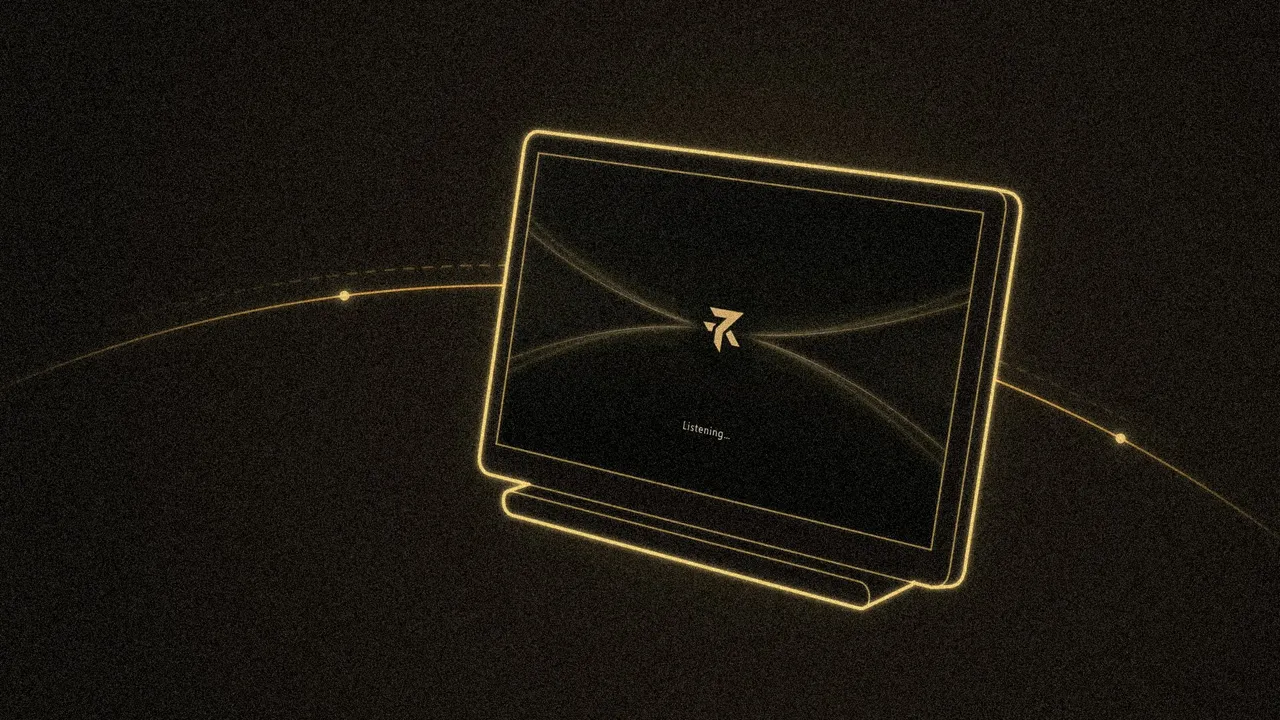
- “Listening…” after the wake word.
- “Hearing what you said…” while R7 turns speech into text, then Hunter’s words.
- “Thinking…” while R7 works out the answer.
- “Speaking…” and then R7’s reply, as text.
For lights and reminders, the caption shows a short label such as “Adjusting room lights…” or “Setting a reminder…”, never the details. Captions disappear after 10 seconds by default, and a long reply gets enough time for each page to be read. R7 comes in three sizes, can be hidden so that only the captions show, and stays out of sight while idle unless Hunter turns that on (or presses Ctrl+Alt+R).
R7 Home in a window
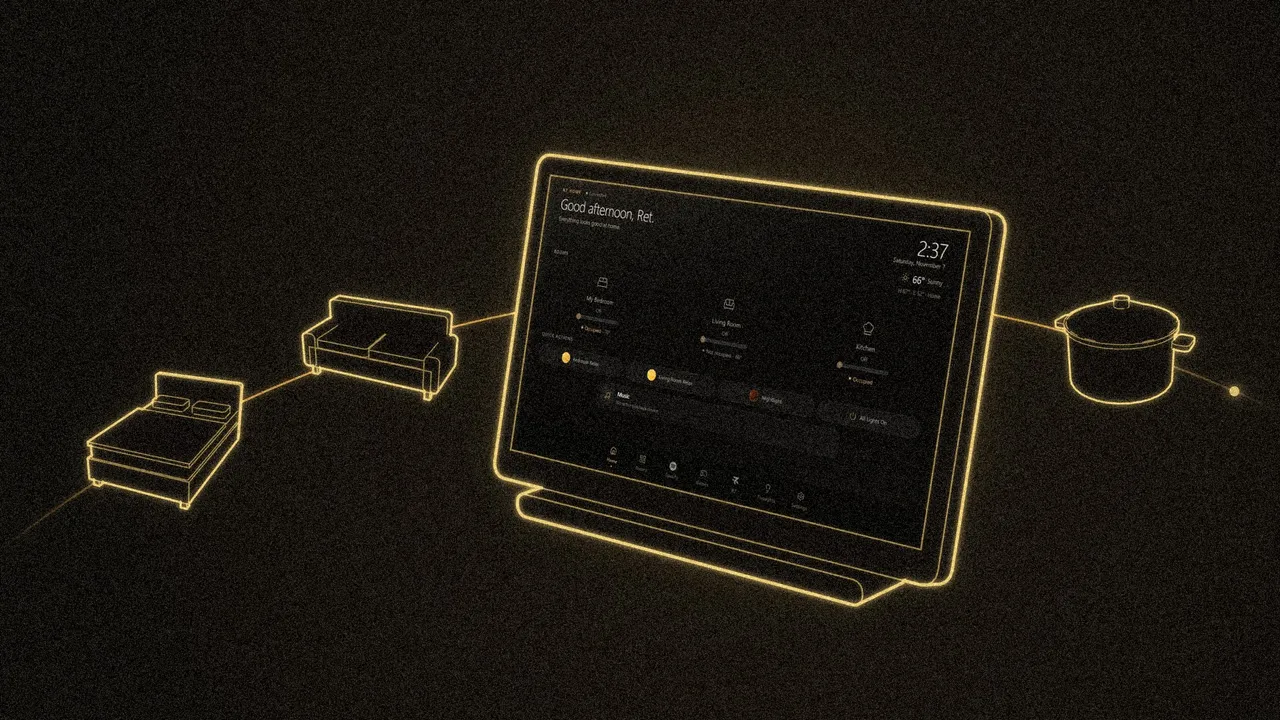
The last piece is an R7 Home window on the PC. It shows the same dashboard as the touchscreen, live: rooms, lights and brightness, scenes, the weather, settings and most of the games. R7 World is left out, because starting it would open it on the touchscreen instead of the PC. The window never keeps the touchscreen awake.
It also has a settings page the touchscreen doesn’t show, called This PC. That’s where Hunter picks R7’s size, caption time and corner, turns each room’s microphone on or off, chooses which rooms confirm light changes out loud, and can pause R7’s actions on the PC. Those settings are saved on the PC, not in R7 Home.
What’s still rough
The PC’s speakers have no echo cancellation, the feature that lets a microphone ignore its own speakers. R7 stops listening while it talks, but a loud game or music can still drown out “Hey R7” or set it off by accident. The PC’s microphone also shares the touchscreen’s wake-word sensitivity for now, so making one more or less eager changes both.