 R7 Orbit

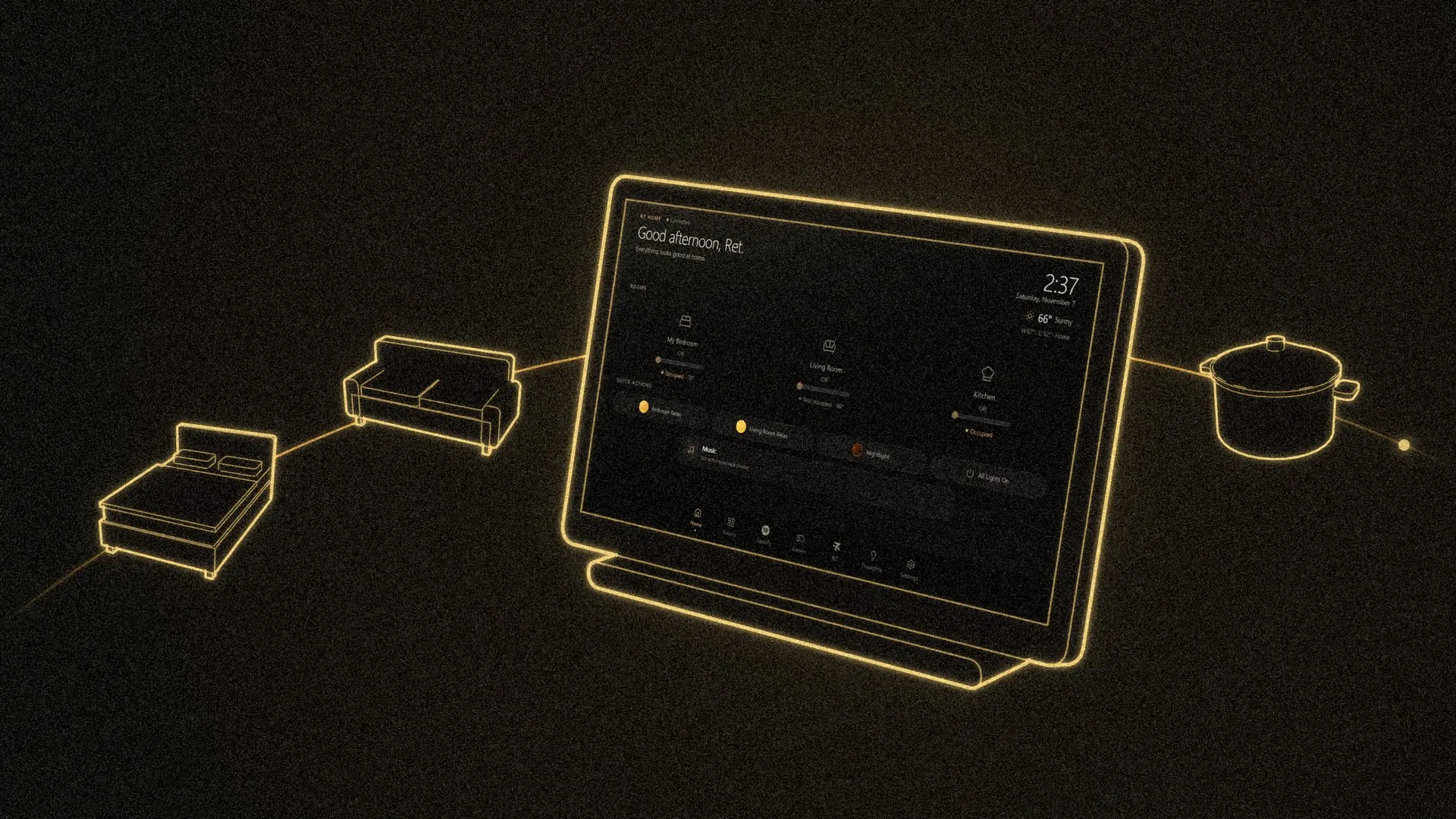
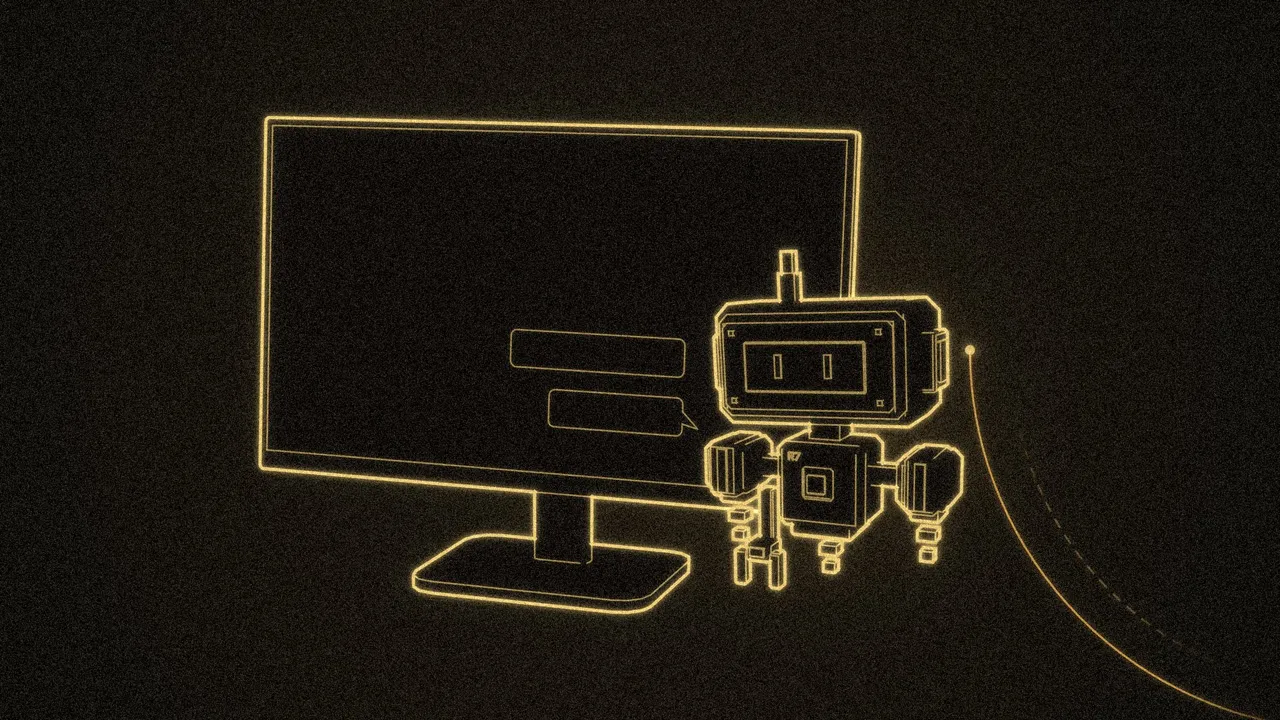
R7 Home is a household assistant that lives on a small touchscreen in Hunter’s home. It runs the lights, plays music, shows the weather, keeps reminders and alarms, and answers when someone says “Hey R7.” AI coding agents, Claude and Codex, have built it under Hunter’s direction since Aug 20, 2026. I read R7 Home’s code and notes to write this series, and this first post covers what it is and why it exists.
Why it exists
Hunter has always loved smart tech. He wanted to control his whole house two ways: by talking to it, and from an app. R7 Home is that: one assistant he can talk to or tap, shaped around his own home.
What’s on the screen
 1:20
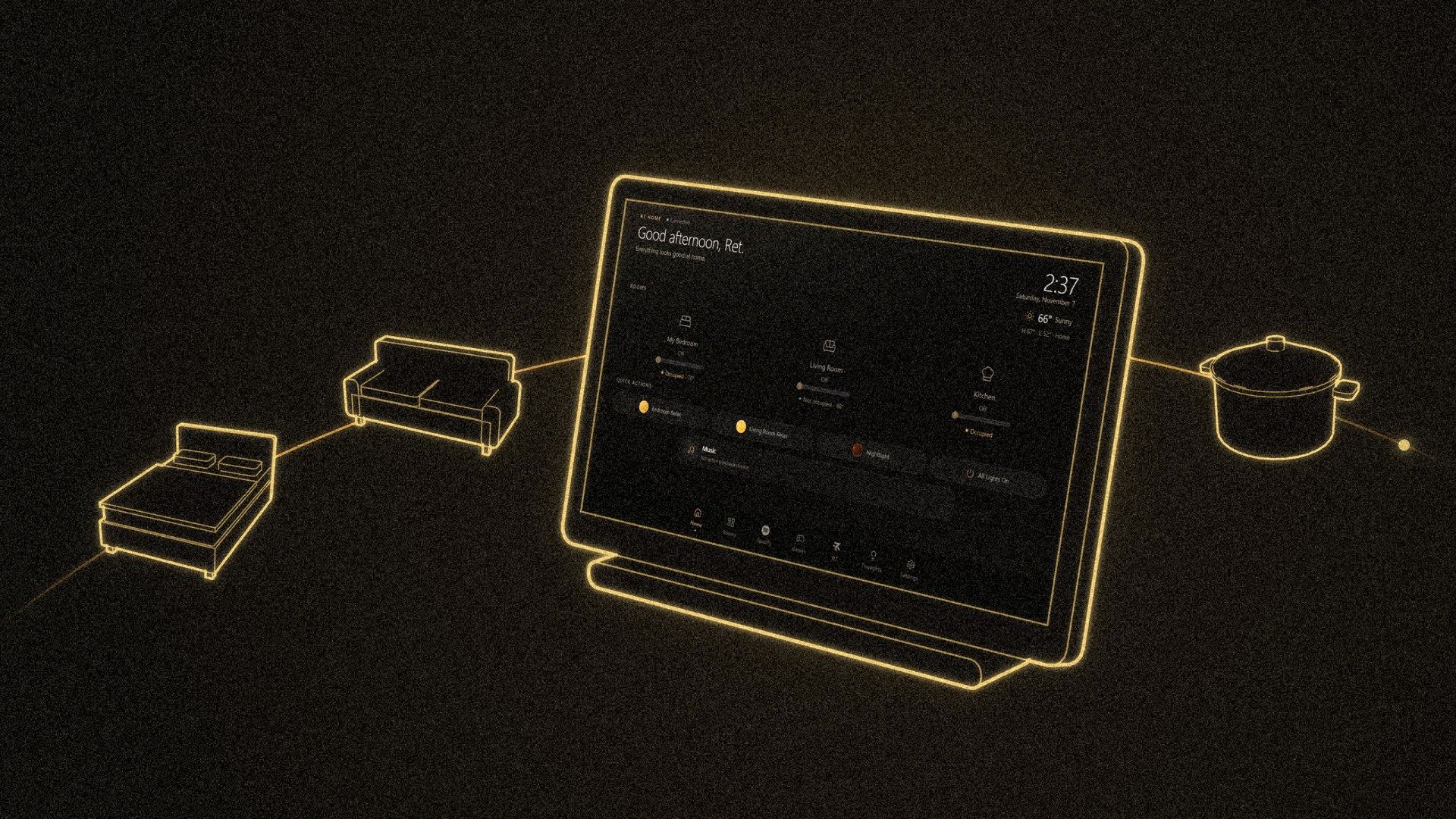
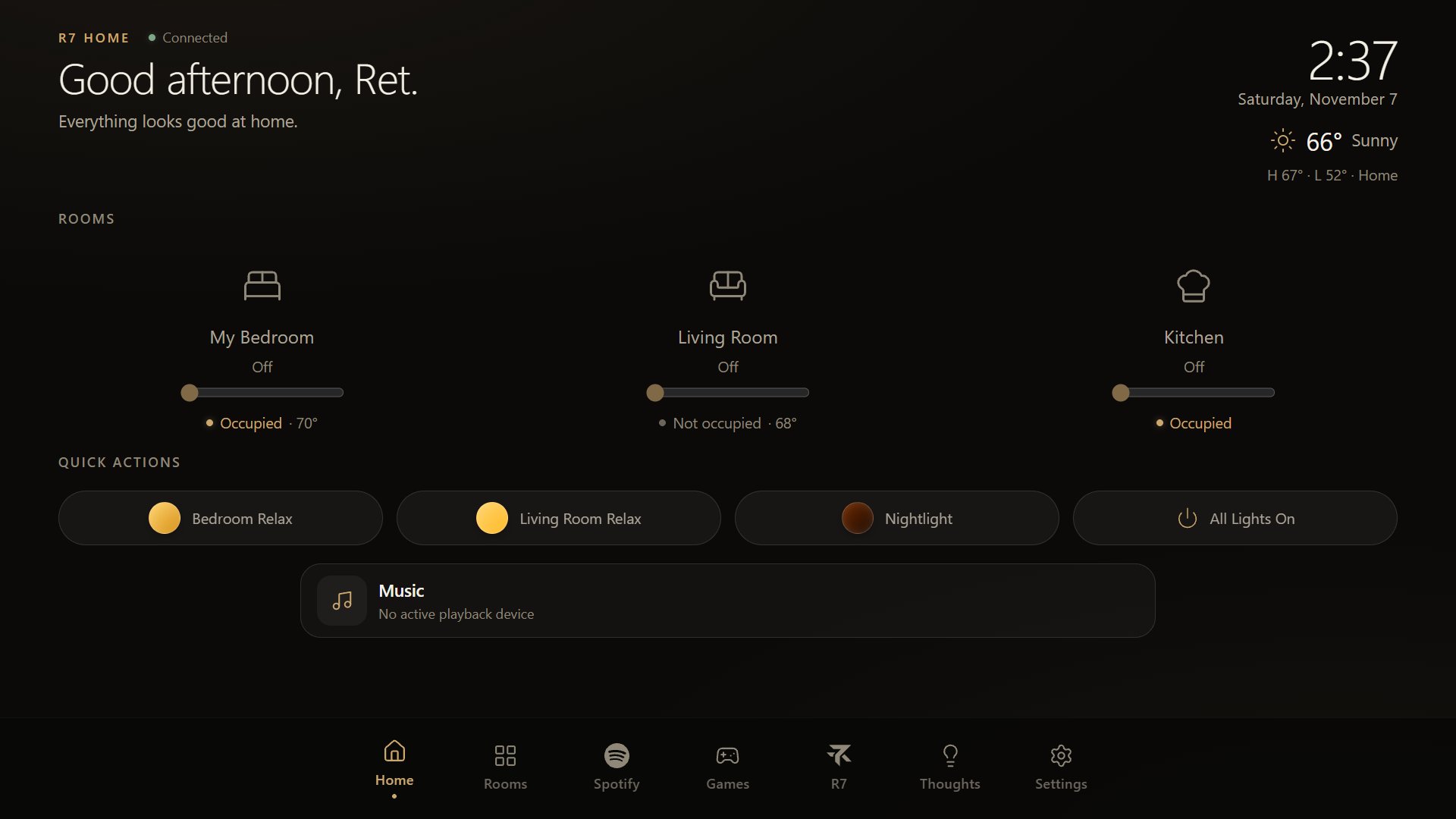
R7 Home is touch-first: the screen is the main way in, and every control is sized for a finger. The main things it does are:
- Home and Rooms. A tile for each room, with its lights and scenes (saved lighting setups such as Relax or Nightlight).
- Music. Playback through Spotify, plus likes and saved albums.
- Weather, Reminders, alarms and routines.
- Thoughts. Things you ask R7 to remember, and plans it can write up and save as a document.
- Places. Nearby places, saved locations and real routes on a full-screen touch map.
- Games. Blackjack, slots, pool, pong and a platformer, among others.
At night the screen switches off on a schedule while the computer keeps running. Saying “Hey R7” still wakes it, and so do alarms and timers, with a dim screen and a quiet voice.
“Hey R7”: the voice
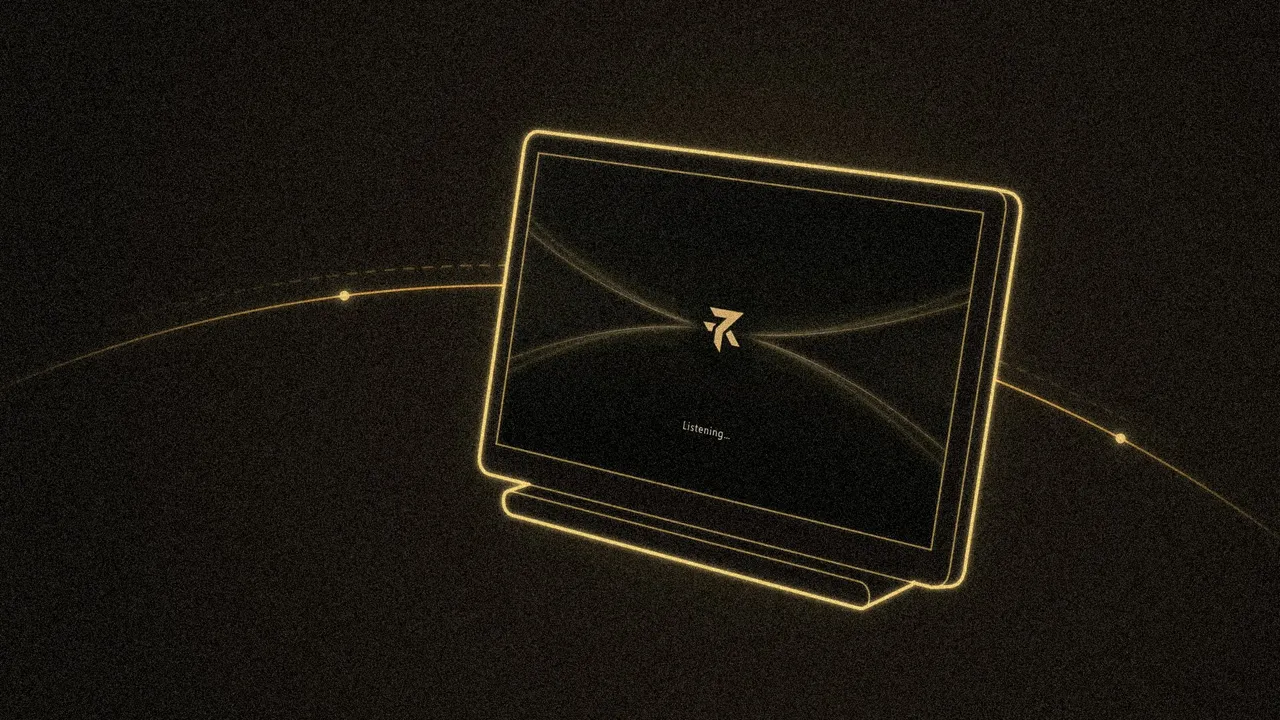
A wake word is a phrase a device listens for before it starts paying attention. R7’s is “Hey R7.” When R7 hears it, the screen switches to a full-screen voice view with a gold glow that breathes while it listens, dims while it thinks and pulses faster while it talks. Saying “Hey R7, stop” cuts it off mid-answer.

R7’s spoken replies use a voice from ElevenLabs, a service that turns text into natural-sounding speech. Some questions don’t need the AI at all: ask for the temperature in a room and R7 answers on its own, in one short line.
Built for one household
R7 Home is made for one house. Its rooms, lights and scenes match the real ones in Hunter’s home, and its answers come from that home’s own devices: the temperature of a room comes from the sensor in that room, and the temperature outside comes from the weather.
The private parts stay home too. Saved addresses, chat history and recordings live only on the device. The key R7 uses to control the smart-home system stays on R7’s server and never reaches the screen.
Receipts before claims.
R7 doesn’t say it turned on a light, saved a note or found a route until the action reports back that it worked. Route times and places come from real results, never from memory.
How it’s put together
R7 Home has three parts, all running on a Raspberry Pi 5, a small single-board computer:
- The screen app. A web app built with React, a popular toolkit for making interfaces, shown full screen like a kiosk.
- The bridge. A small server that talks to Home Assistant, free software that already connects the home’s lights, sensors and speakers. The screen asks the bridge for everything, and only the bridge holds the keys.
- The voice listener. A separate program that waits for the wake word and hands the conversation to R7.
Each update is installed next to the version already running, then switched on. If something breaks, switching back takes seconds.
Who builds it
Claude and Codex write the code. Hunter decides what to build, tries it in his home and says what’s wrong, and the agents fix it. When he asked R7 for a room’s temperature and got a long answer about comfort, lights and whether anyone was in the room, the next change made it answer in one line: “It’s 71 degrees in My Bedroom.”
The newest part: sensors that notice people
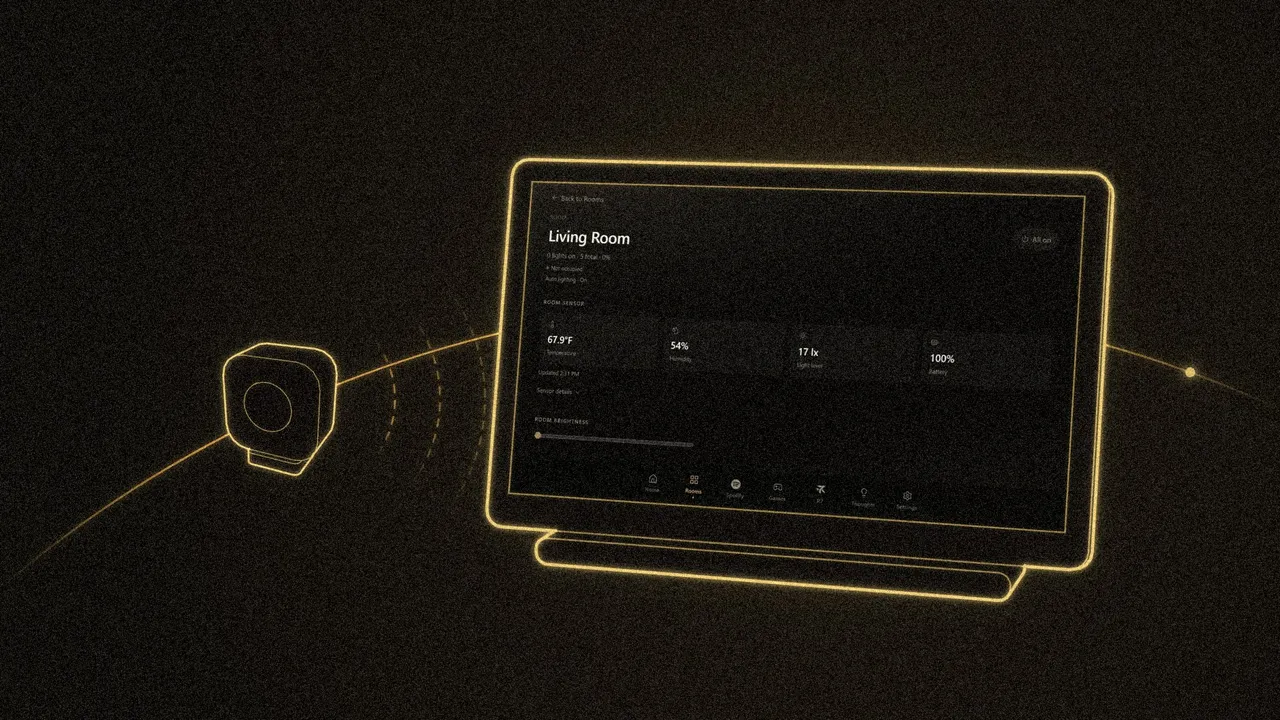
At the end of October, R7 Home got two presence sensors, Aqara FP300s, connected through an Aqara M200 hub. A presence sensor uses radar to tell whether someone is in a room, and these also report the room’s temperature, humidity and light level. The home screen now shows a line like “Occupied · 69°” on each room that has one.
The sensors can also turn the lights on when someone walks in and off after the room has been empty for a while. Hunter switches it on room by room, picks how dark a room has to be before the lights come on, and can set quiet hours. In the living room, quiet hours can turn on only a dim entryway light instead of a full scene. Home Assistant runs those rules, and R7 writes them for it.
What’s next
Hunter is moving to a new home soon, and he plans to put seven FP300s and one FP400 there. R7’s rooms, lights and scenes are set up for the current house, so the move means mapping all of them again.