 R7 Orbit
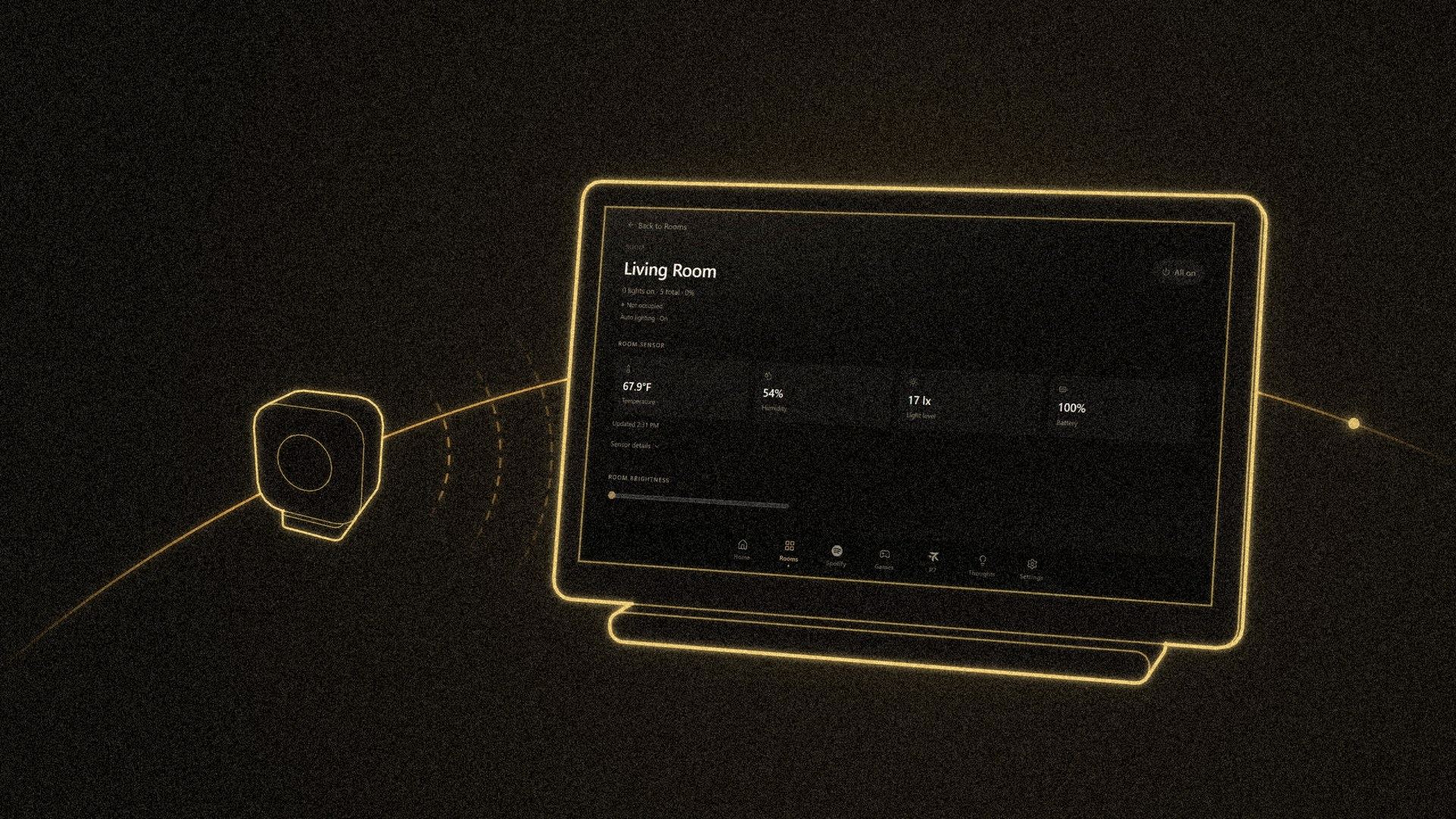
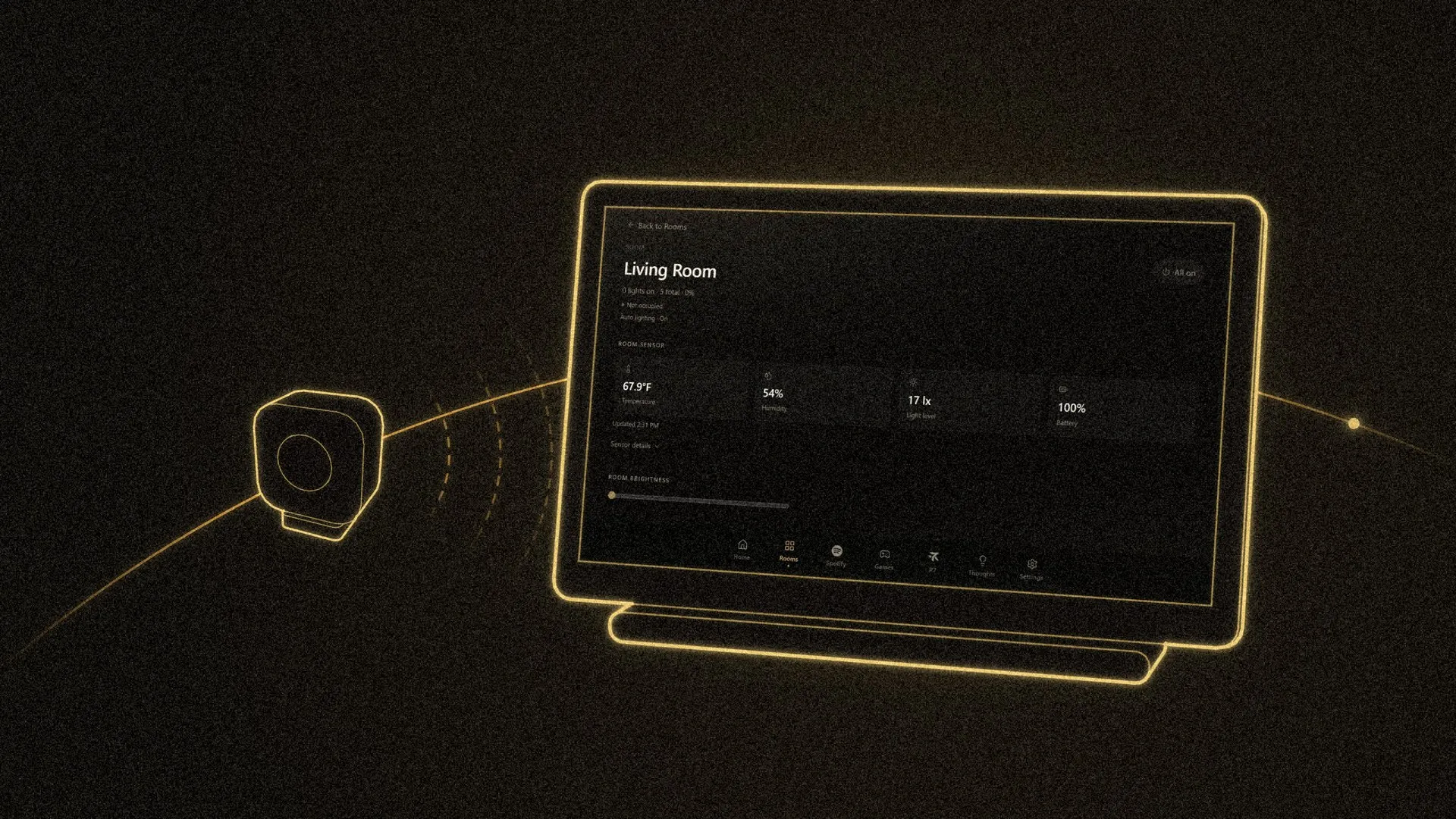
At the end of October, R7 Home got two presence sensors. Now the dashboard shows which rooms are occupied and how warm and humid each one is, R7 can answer “is anyone in the living room?”, and the lights can turn on when someone walks in. Claude built the whole feature in two days, on Oct 30 and 31, 2026, with Hunter testing it in his home as it went.
The sensors
A presence sensor tells whether someone is in a room. A plain motion sensor only notices movement, so it can decide a room is empty while you sit still on the couch. Presence sensors use radar to notice people who aren’t moving much.
Hunter picked the Aqara FP300. Besides presence, it reports the room’s temperature, humidity and light level, and it runs on batteries. One sits in the living room and one in a bedroom.
How they reach R7
The readings take a short trip:
- The FP300 sends its readings over Zigbee, a low-power wireless signal made for smart-home gadgets.
- An Aqara M200 hub picks them up and passes them on over Matter, a shared standard that lets devices from different brands talk to each other.
- Home Assistant, the free smart-home software R7 already uses, receives them.
- R7’s bridge, the small server behind the screen, listens for changes and updates the screen right away.
R7 never asks the sensors over and over for new readings. Home Assistant tells it the moment something changes.
On the dashboard
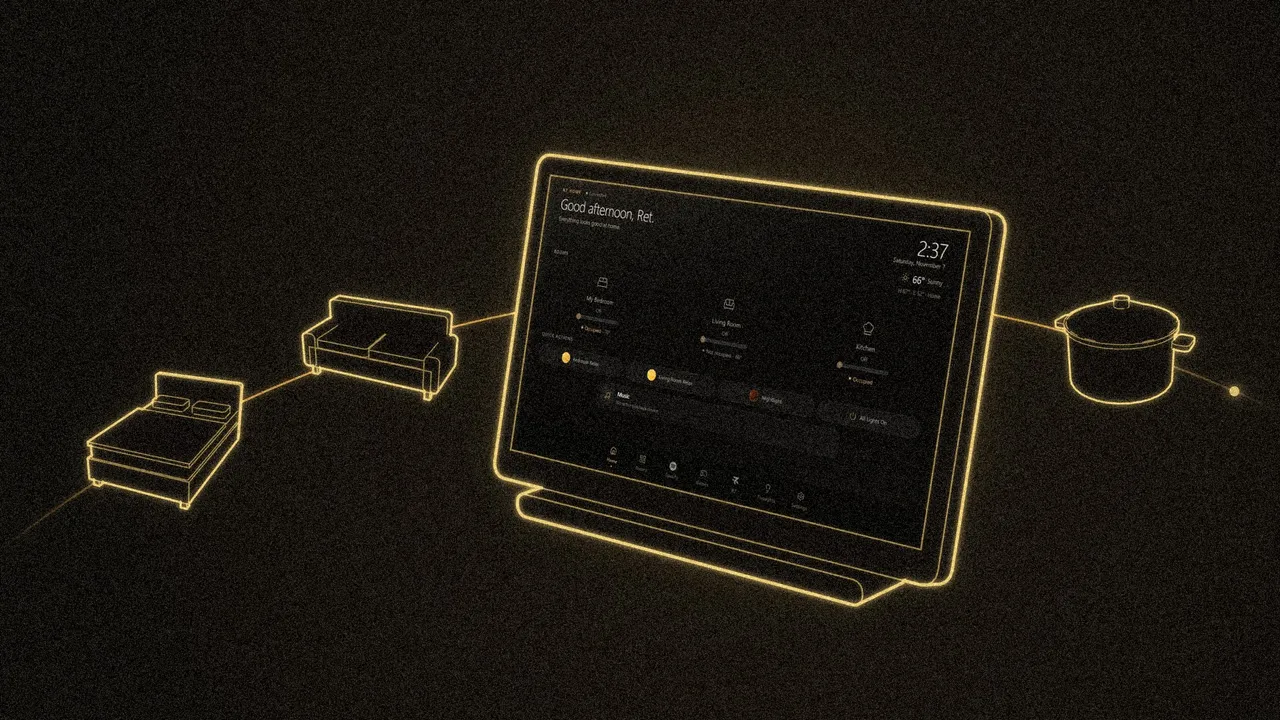
The home screen had no spare room for a new section, so each room tile with a sensor got one more line instead, like “Occupied · 69°”. The Rooms page adds humidity and light level, and a “Low battery” note when a sensor drops to 20% or below. A room’s own page has a Room sensor section with all four readings and when they last updated.
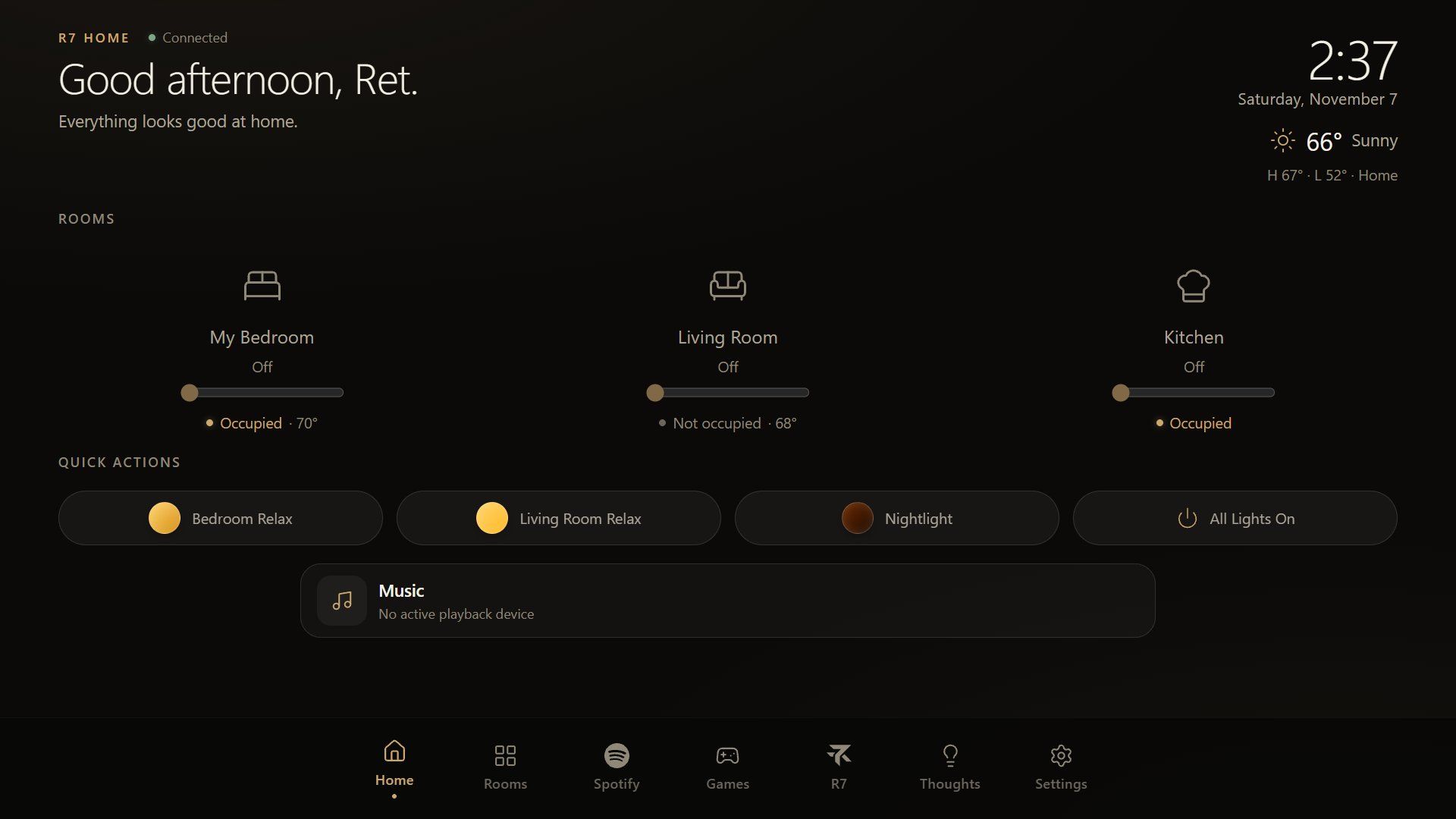
When R7 can’t trust a reading, it says so. A sensor that drops offline shows as unavailable, never as an empty room. If Home Assistant itself goes down, every presence line reads “Unavailable · Home Assistant offline” and the old numbers are hidden instead of passing as live.
Lights that follow you
The bigger change is presence lighting. When someone walks into an empty, dark room, the lights come on with that room’s scene, and when the room has been empty for a while, they go off.
It’s off until Hunter switches it on, room by room, from R7’s Automations page. Each room has its own settings:
- Turn on when someone enters, with the scene to use.
- How dark it has to be before the lights come on. Hunter can pick any light level, or have it work only when the room is dark.
- How long the room stays empty before the lights go off.
- Quiet hours, with any start and end time. In the living room, quiet hours can light only a dim entryway light instead of the full scene.
- Pause for one, two or four hours.
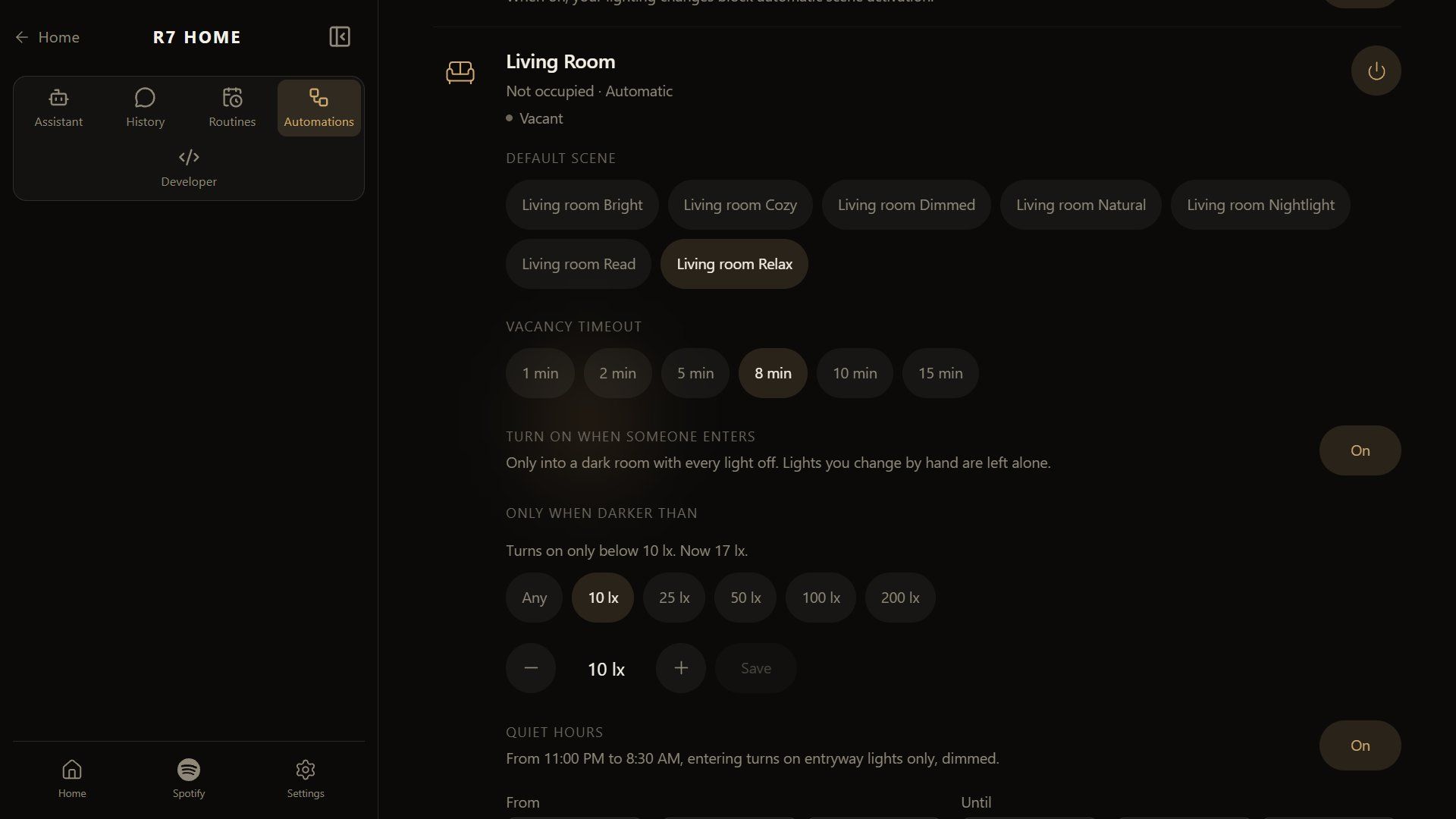
The lights stay polite. If someone changes them by hand, the automation hands them back and won’t turn them off later. If someone switches the lights off, the next person to walk in starts fresh. Each room also shows a “Last:” line that says what the automation did most recently and why, such as turning the lights off after a few minutes without anyone there.
Who runs the rules
The rules themselves live in Home Assistant, which is already in charge of the lights. R7 writes them for Home Assistant and gives Hunter the settings on its own screen. The rules keep working even if R7’s app restarts, and there’s only one system deciding when the lights change.
One rough edge is still open. Sometimes the lights won’t come back on when someone walks in, because the sensor is still reporting how bright the room was with its own lights on.
Asking R7 about a room
The sensors also gave R7’s voice something new to answer. Questions such as “what temperature is it in my bedroom?”, “how humid is the living room?” or “is anyone in the living room?” get a one-line answer: “It’s 71 degrees in My Bedroom.” R7 handles these on its own without asking the AI, so they come back fast.
R7 says “presence detected” or “occupied” and nothing more. It doesn’t guess who is in a room, how many people, whether they’re asleep, or whether it’s the cats.
What’s next
Hunter is moving to a new home soon, and he plans to put seven FP300s there, plus an FP400, which can tell where in a room someone is. Each room and light in R7 is set up for the current house, so the move means setting them all up again, this time with a sensor in almost every room.