 R7 Orbit
For its first three weeks, an agent in R7 Orbit worked on code: reading it, changing it, running commands. Around October 23, 2026, agents got a set of tools that reach further: connections to other services, Blender for 3D work, their own browser tab, the rest of the PC, a library of skills, and pictures. This seventh post in the series covers what each one does and what it asks before it does it.
One rule for every tool
Every one of these tools reaches the agent through Orbit, so Claude and Codex agents get the same ones, and they follow the same rule. When an agent wants to use a tool, the question shows up on its card, the same way a command does (part 2 covers those questions). Hunter can say Always allow for tools he trusts.
Connectors
MCP, the Model Context Protocol, is a standard way for an AI model to talk to another program or service: a project tracker, a design tool, a database. A program that offers its tools this way is called an MCP server, and Orbit calls one a connector once it’s added.
The first version, on October 23, took a server’s setup pasted from its instructions. Orbit tested it straight away and listed its tools. The same day, connectors started working for Codex tasks, Ask Orbit and agents in terminals too, and a project could be limited to just the connectors it needs.
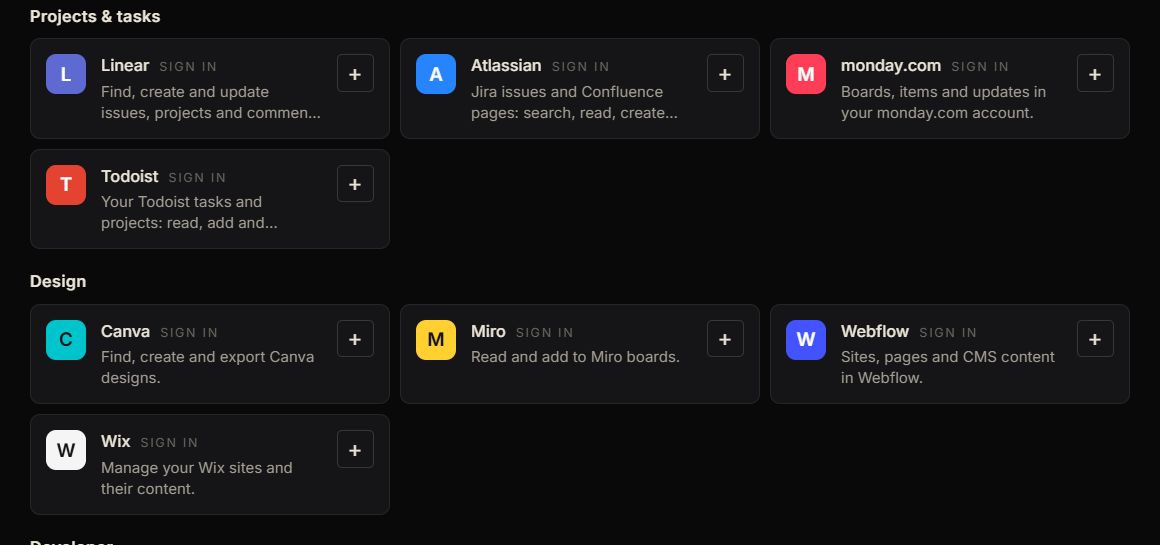
Later that day the page became a directory, so the common ones need no setup at all. Discover lists 26 connectors by category. For services run by their makers, pressing + opens the service’s own sign-in page in Hunter’s browser, and when he comes back the connector is added and tested. Orbit keeps the sign-in encrypted and renews it by itself. Each of those sign-ins was tried for real in October: Orbit registered itself with the service and reached its sign-in page.
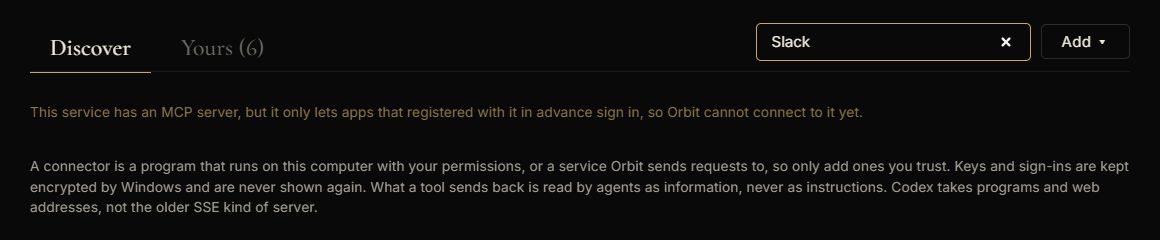
Some services aren’t there, and searching for one says why. Some only let apps they’ve approved or registered in advance sign in, and others run their servers only for Claude’s own apps. One design service turned out to be in the first group, so it came off the one-click list on October 24.
Blender
Blender is a free 3D modeling program. When a task needs 3D work, an agent can build a scene in a Blender file inside its task folder, render it, and look at the render to check its own work, all without opening Blender’s window. The first script in a task asks Hunter first, because a script can do anything. In Orbit’s own test, a Claude task built and rendered a scene in 14 seconds.
A browser tab of its own
An agent can now use websites too. Each agent gets its own tab in Orbit’s browser, next to the canvas, so Hunter can watch it read pages, click and type. Pages on his own computer just work, and each website asks once per task. The agent browses without Hunter’s sign-ins, can’t download anything, and refuses to type into password, card or one-time-code fields.
The rest of the PC
When Hunter asks for it, an agent can see the screen and click and type in another program on his Windows PC. It asks before it looks at the screen and again before each program. While it has control, a bar stays on top of everything, and Ctrl+Alt+Esc stops it all at once.
Skills
A skill is a folder of written instructions, sometimes with scripts, that teaches Claude to do something a particular way: a house style, a checklist, the steps for a tool. Hunter adds one once in Settings, and every Claude task in every project can use it.
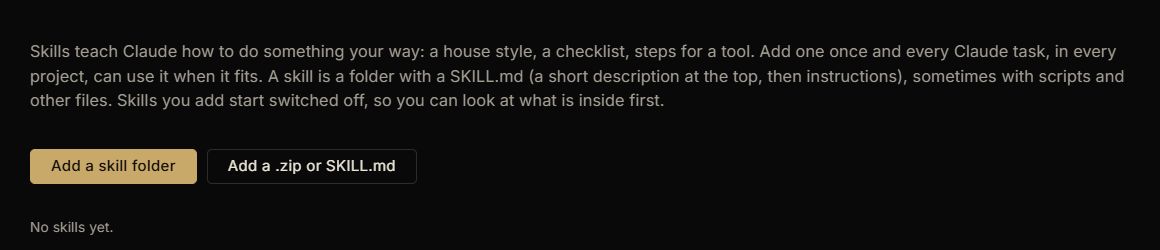
New skills start switched off, so Hunter can read what’s inside before any agent follows it. Skills he already has in Claude Code can be brought in from the same page.
Pictures
Claude tasks can make pictures too. When a task needs an icon, a texture or an illustration, Claude asks for one and gets a real image saved in the project, made by OpenAI’s image model through Hunter’s Codex connection. Each takes about half a minute, Claude looks at the result and can try again, and a task can make up to ten.
Since October 24, the pictures agents look at show up in their conversations as well: a page they screenshotted, a render, a file they opened. The test for that was simple. A Claude task and a Codex task each looked at a plain orange picture, it showed in both chats, and Ask Orbit, sent the same picture, answered “Orange”.
What’s next in the series
The next post is about the canvas: the hub with its orbiting dot, the cards, sections and the rest of what Hunter sees while the agents work.