 R7 Orbit
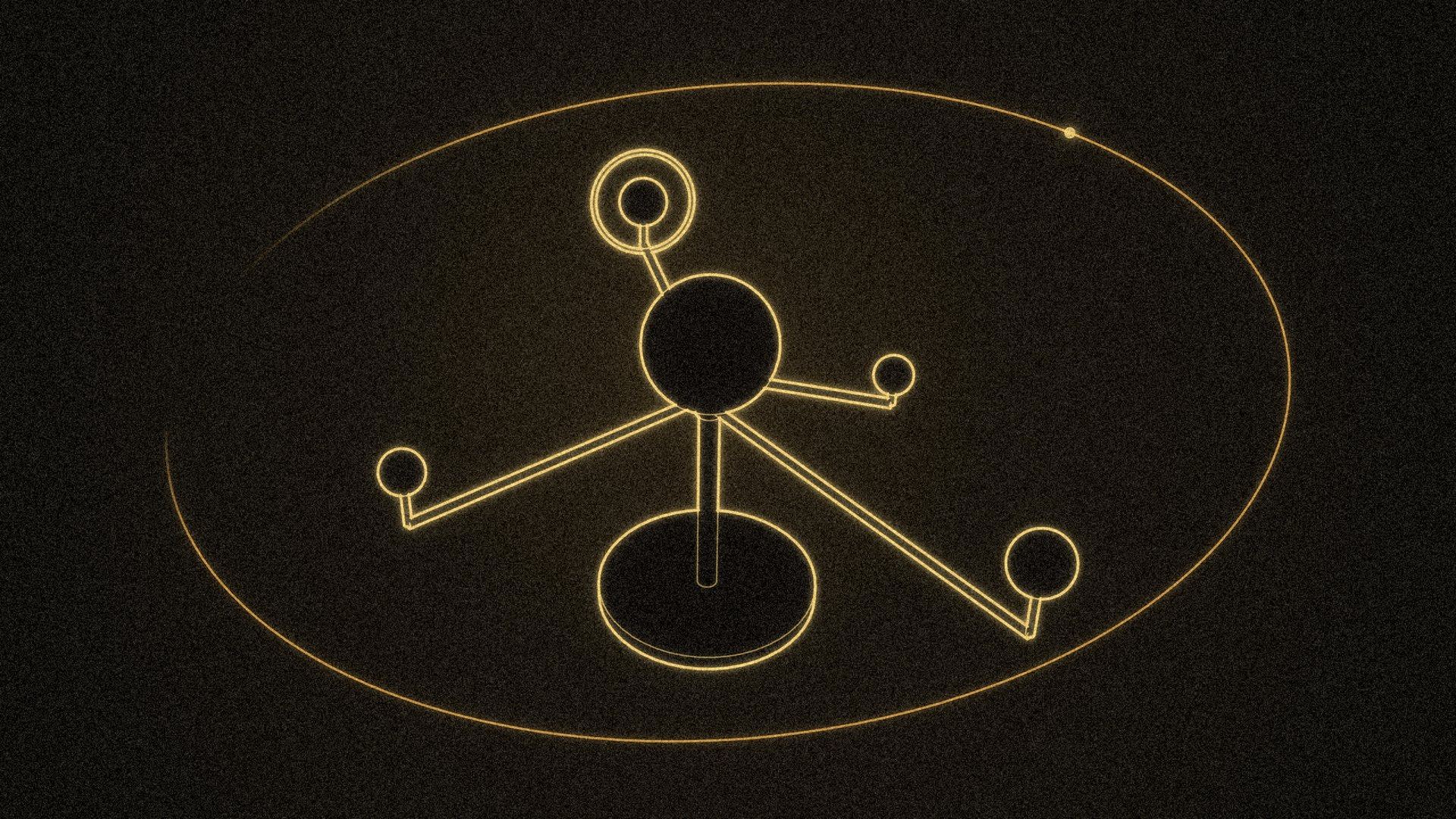
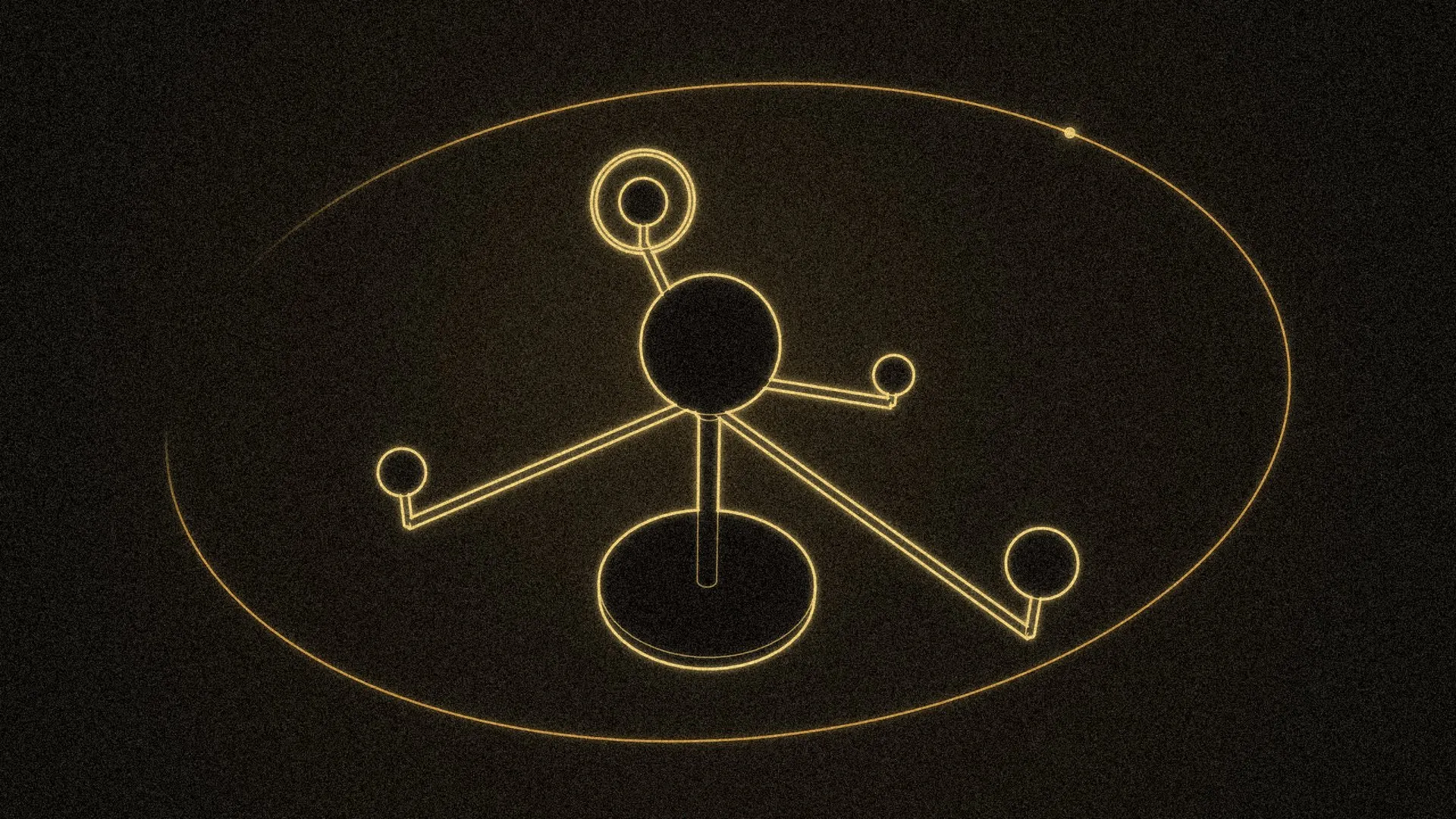
Everything in R7 Orbit happens on one screen: the canvas. The project sits in the middle, every agent is a card around it, and the screen has to stay readable whether two agents are working or twelve. This eighth post in the series covers how the canvas works and how it changed, from a watch dial on day one to the orbit it has now.
The hub in the middle
On September 30, 2026, the project sat in the middle of the canvas as a watch dial, and movement showed status: an arc sweeping round while agents worked, a breathing ring when one needed Hunter. Two days later it was replaced by the R7 mark inside a tilted ring, with a dot orbiting it. The dot passes behind the mark on the far side of the ring and out in front on the near side.
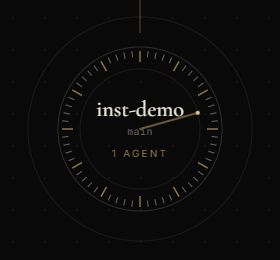
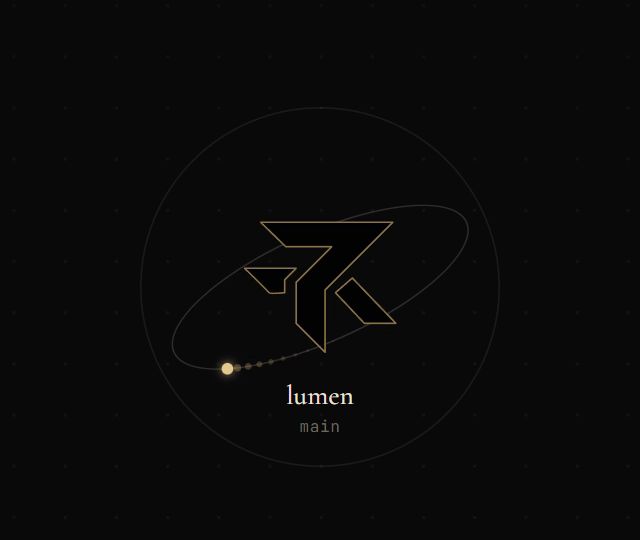
The dot says how the project is doing without a word. It drifts slowly when nothing is running, speeds up while agents work, and pulses when one of them is waiting on Hunter. The project’s name, branch and number of agents sit underneath, and each card has a thin line back to the hub.
Cards that stay put
Each task is a card: its name, its agent and model, its state, and the agent’s latest words. A coloured edge shows the state, and a card that needs Hunter says Needs you and glows.
By October 1 the canvas could pan and zoom, Fit showed every card at once, Tidy put moved cards back in their automatic places, and cards never overlapped, even with dozens of tasks. Two days later, a fix made cards stay where Hunter puts them: moving one no longer shifts the others, and a new card won’t land on top of one he placed. Since October 23 any card can be resized, so a terminal can be made taller to see more of what it’s doing.
A card can also be minimized to a small tab at the edge of the canvas. It keeps running, and the tab glows if the agent needs him.
Sections
On a busy canvas, Hunter can group cards into a section, a labelled frame that holds them. He shift-clicks the cards, then presses Ctrl+G or the button that appears.
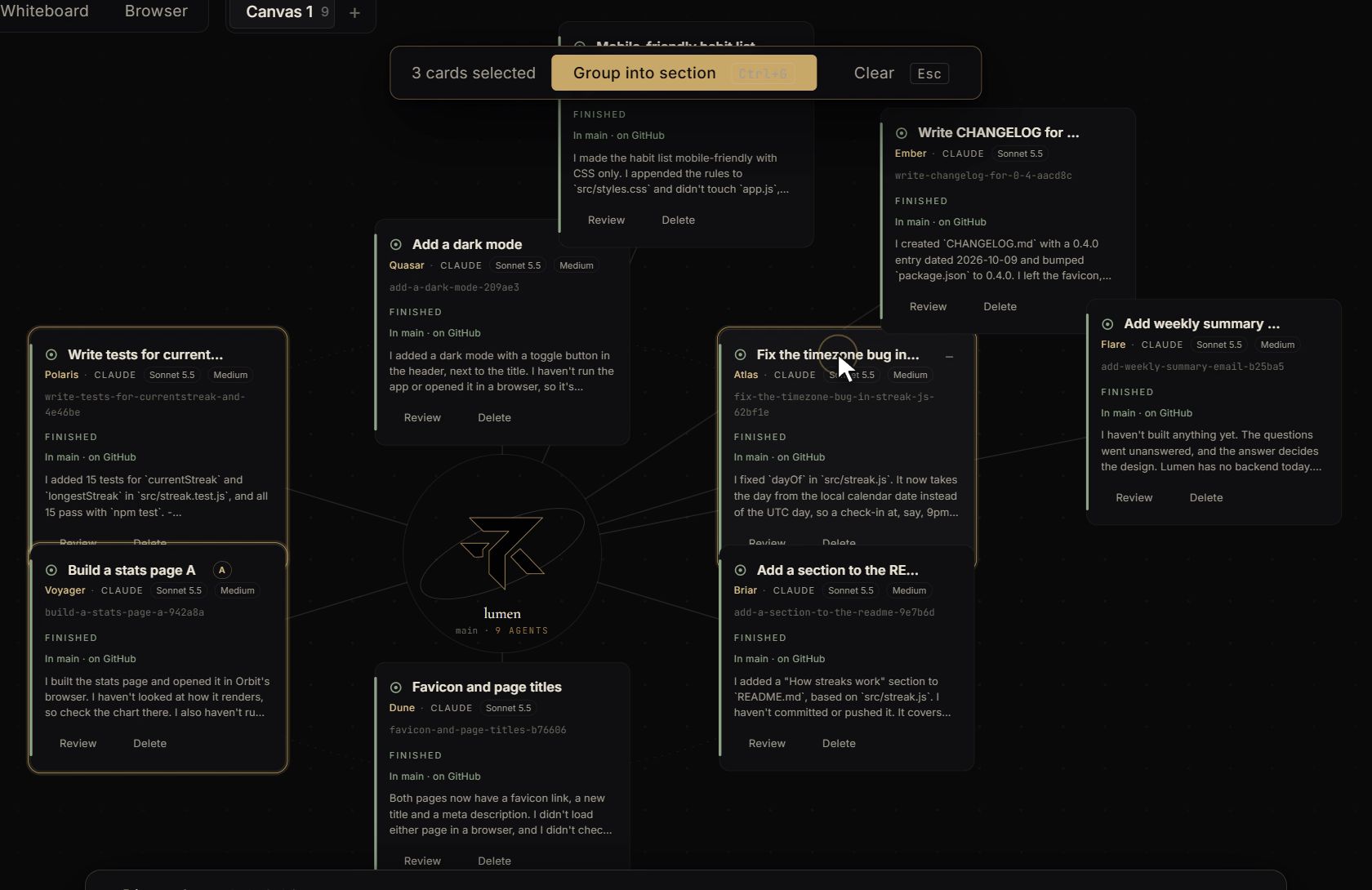
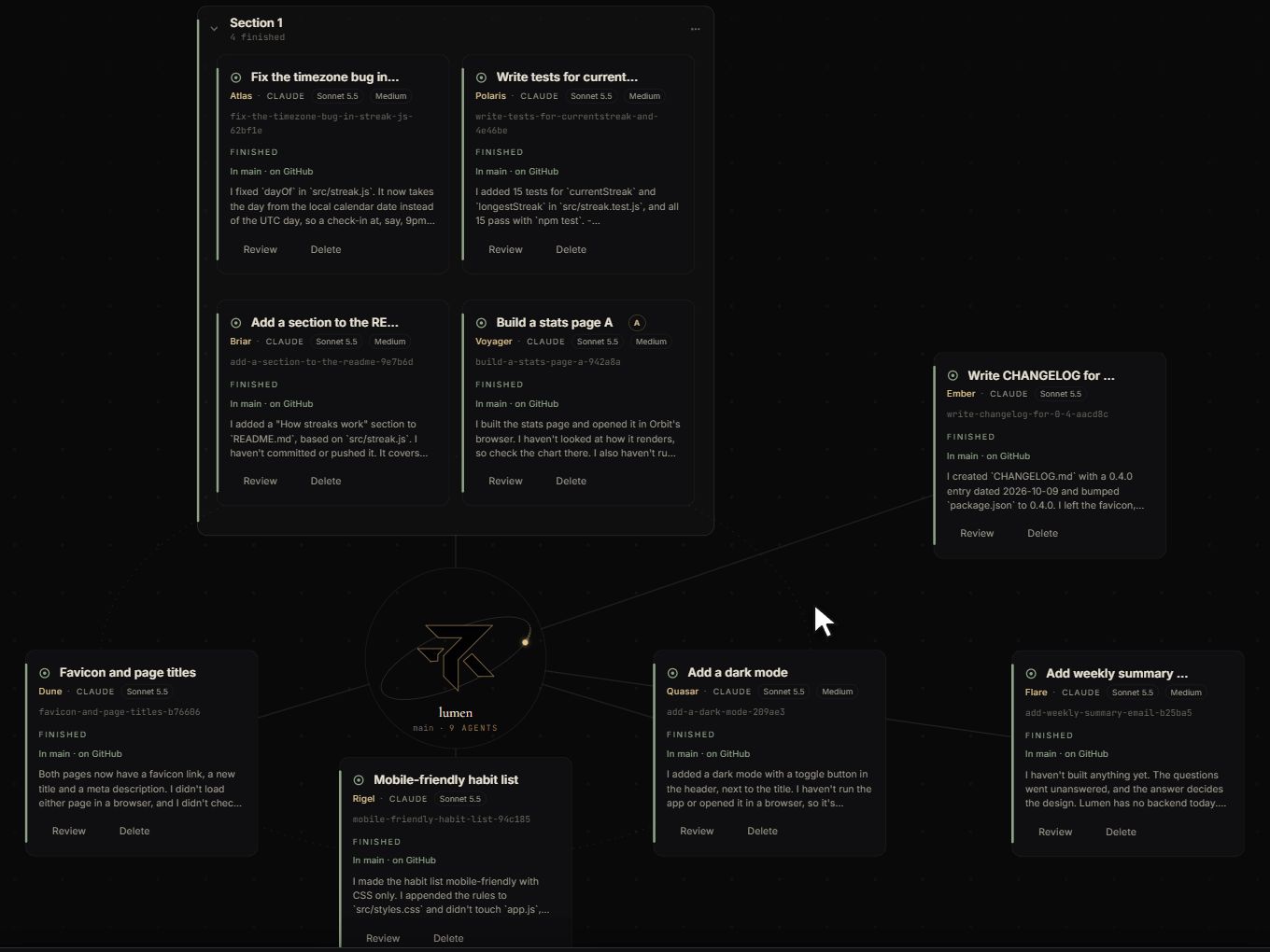
The cards move into a tidy grid inside the frame, and the section gets a name from the tasks in it. A section has one line to the hub instead of one per card, which keeps a crowded canvas readable. It can be folded down to a small chip, and a card inside that needs Hunter still shows on the chip, so folding never hides a question.
More room: canvases and projects
One canvas fills up, so a project can have several, as tabs above the canvas, each with its own zoom and position. A card moves to another canvas by being dragged onto its tab. Projects get tabs too, all running at once, and each tab shows how many cards in it are waiting on Hunter. Closing a project while agents are still working asks first, and the tabs come back when Orbit restarts.
Each project also has whiteboards, drawing boards that Hunter, Ask Orbit and the coding agents can all read and draw on.
A picture behind it all
Since October 9, the canvas can have a picture behind it. A moon horizon comes with Orbit, and Hunter can add his own. The picture is darkened so text stays readable, and cards, terminals and chats over it turn see-through, with the picture blurred behind them.
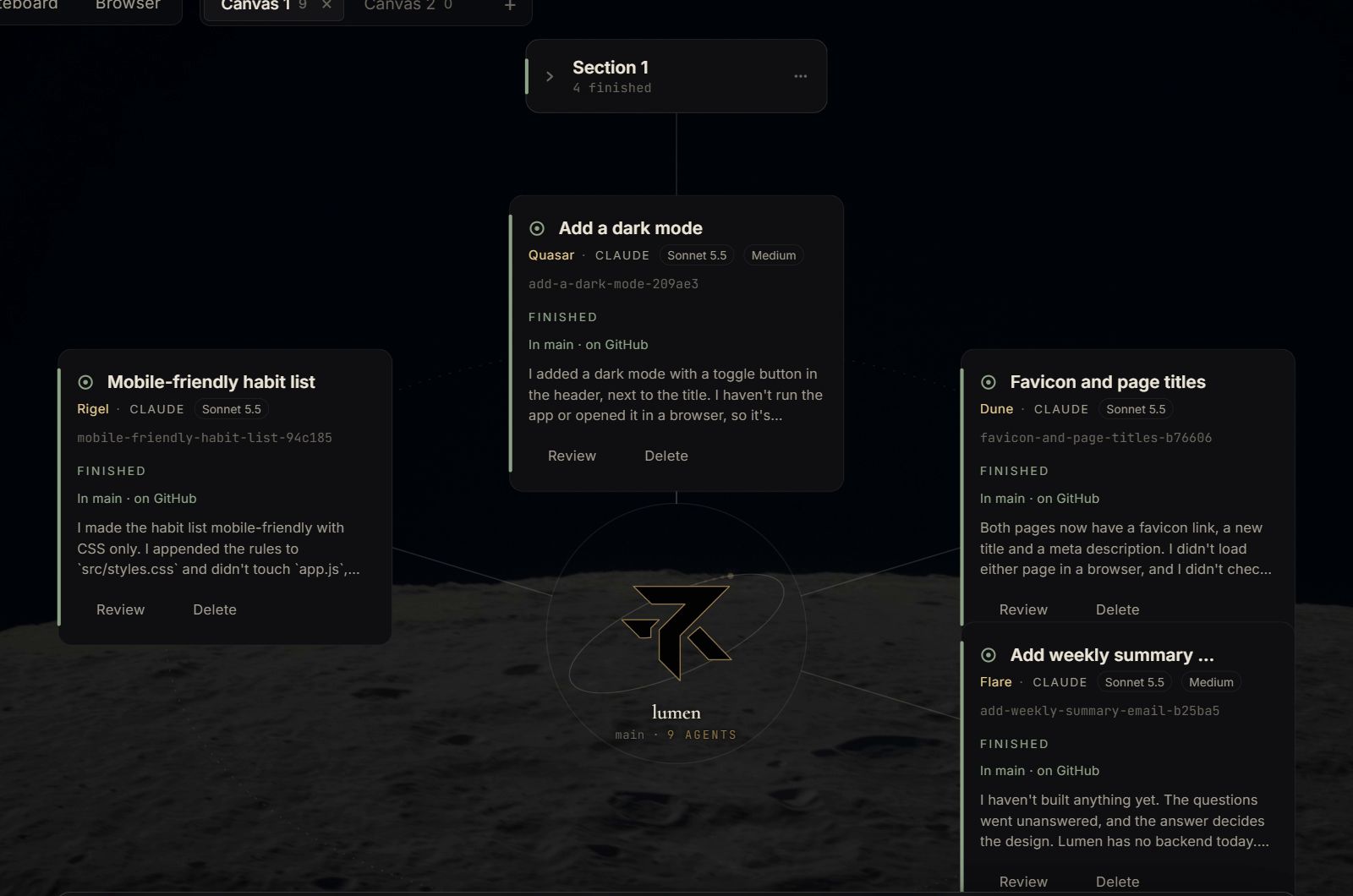
The look across the app is the same one this site uses: obsidian black, ivory text and a single brass accent. Ctrl and plus or minus make the whole window bigger or smaller, like zooming a web page, for sitting further back from the screen.